Your October Monthly Marketing STRATEGY
Calendars | Marketing | Referrals | Events | Renewals & Appreciation | Social Media
➡ Start Here: Your Plan for October
Don’t overthink it. Most members do this in under 30 minutes.
Everything below is designed to help you map out your month and actually execute it—without starting from scratch.
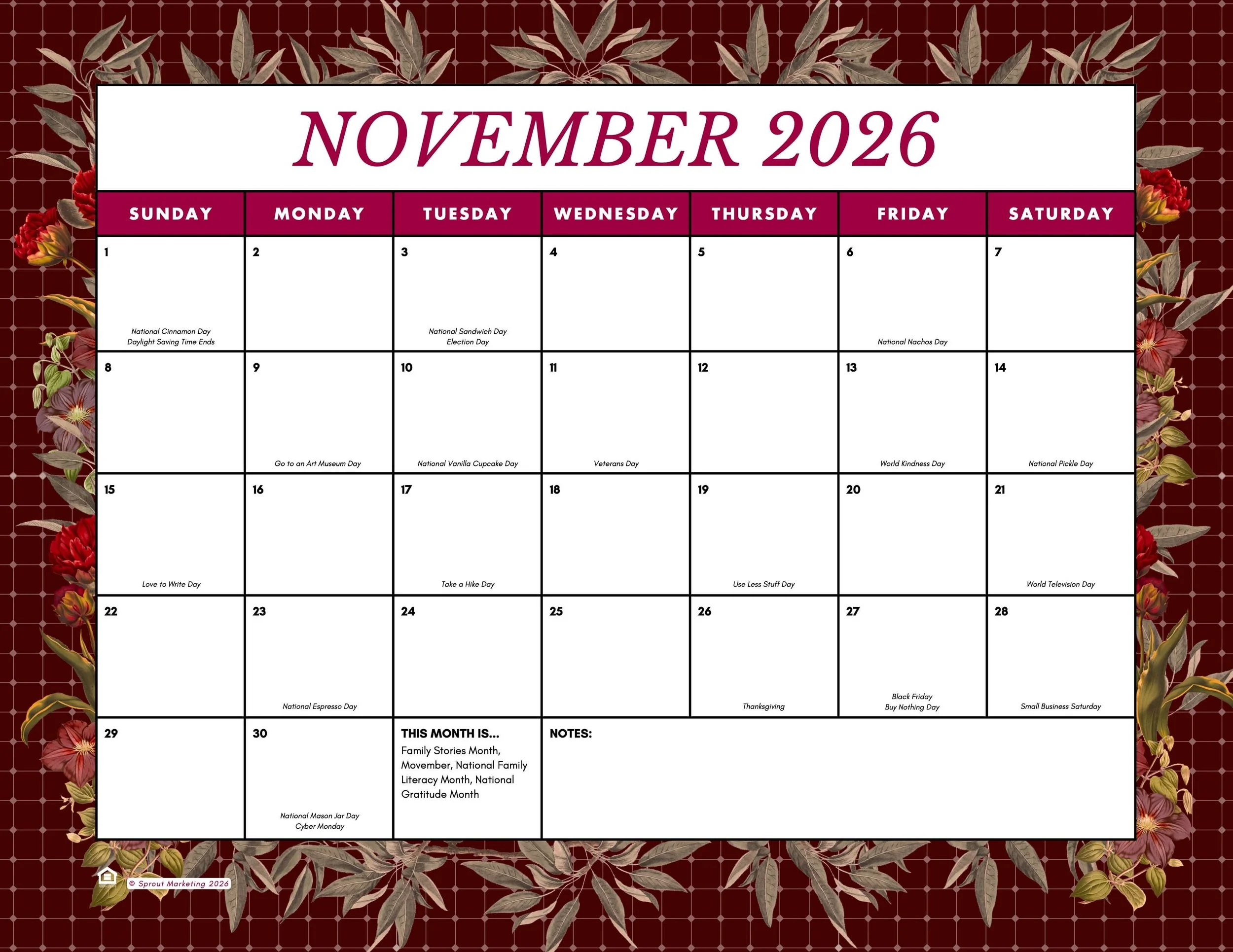
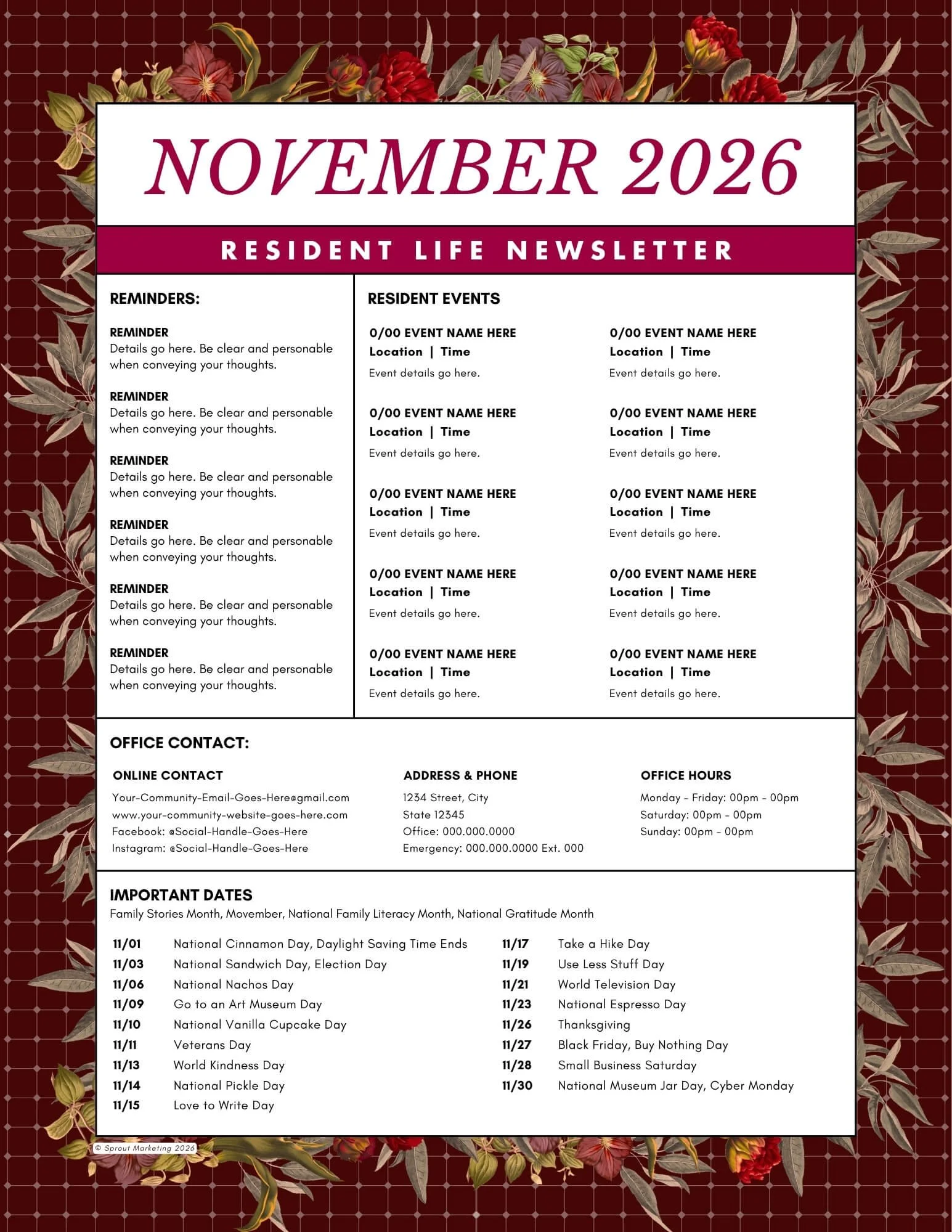
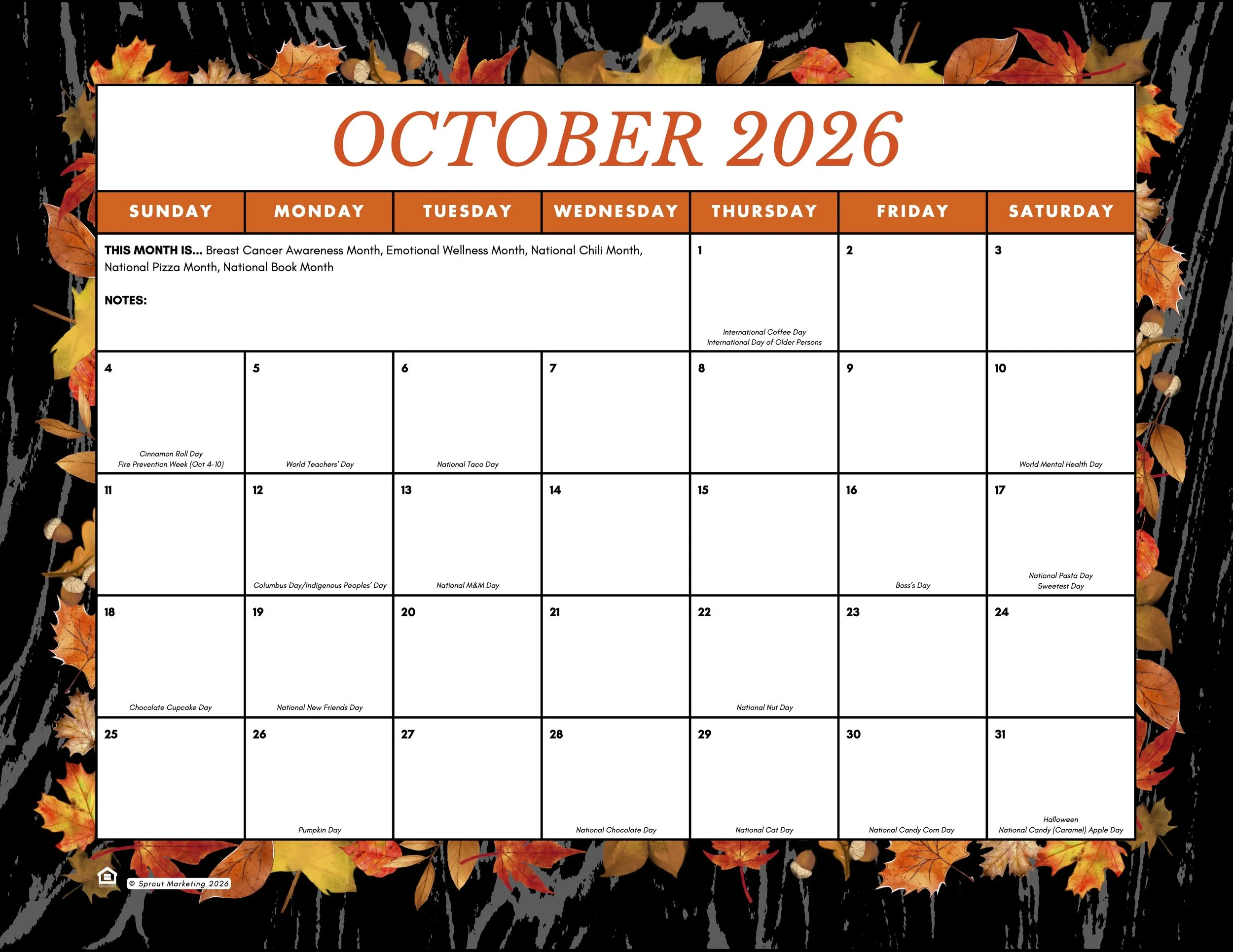
PRINT & PREP: Open your monthly calendar and create your game plan. Print them out so you can see your month at a glance. Next, create your Resident Newsletter to keep your community informed.
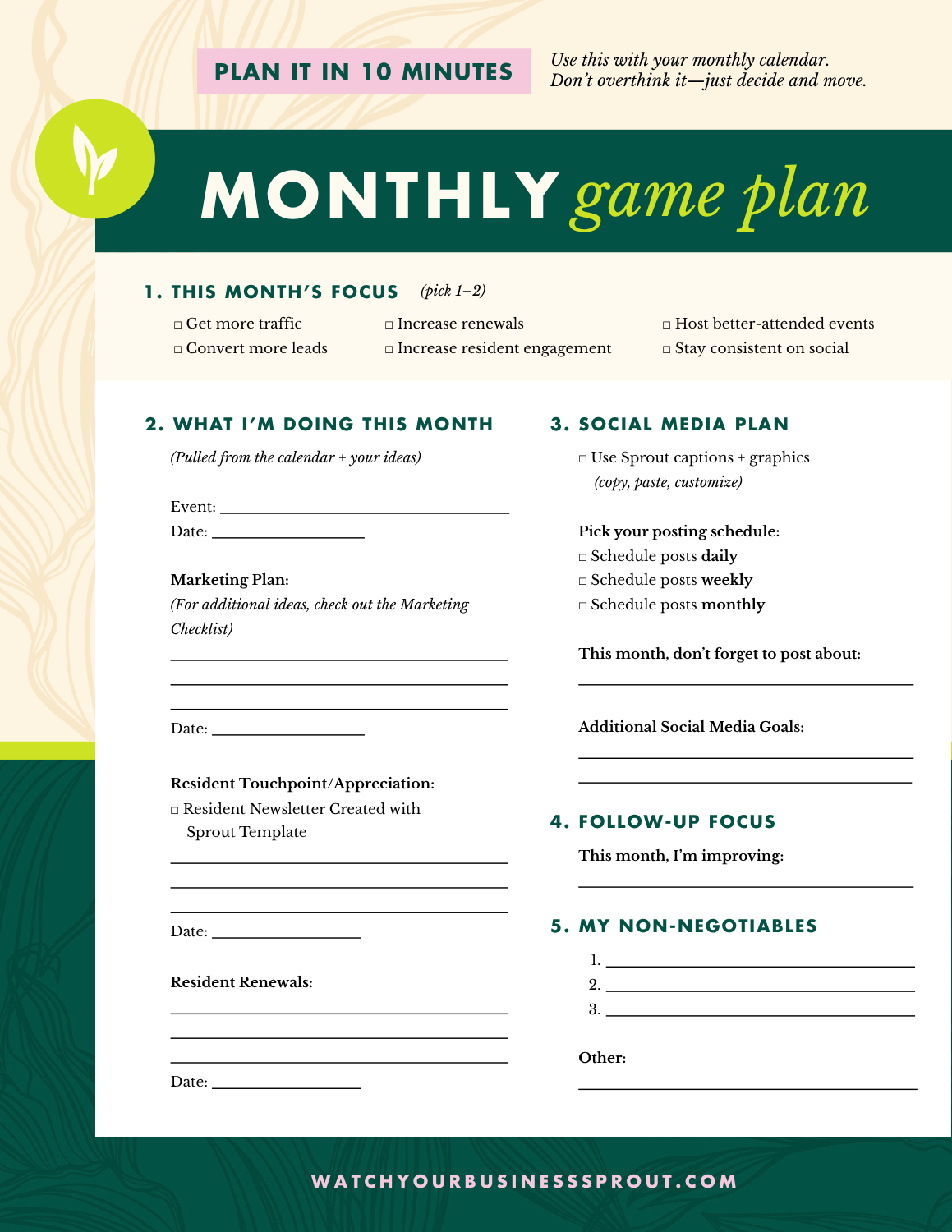
Monthly Game Plan
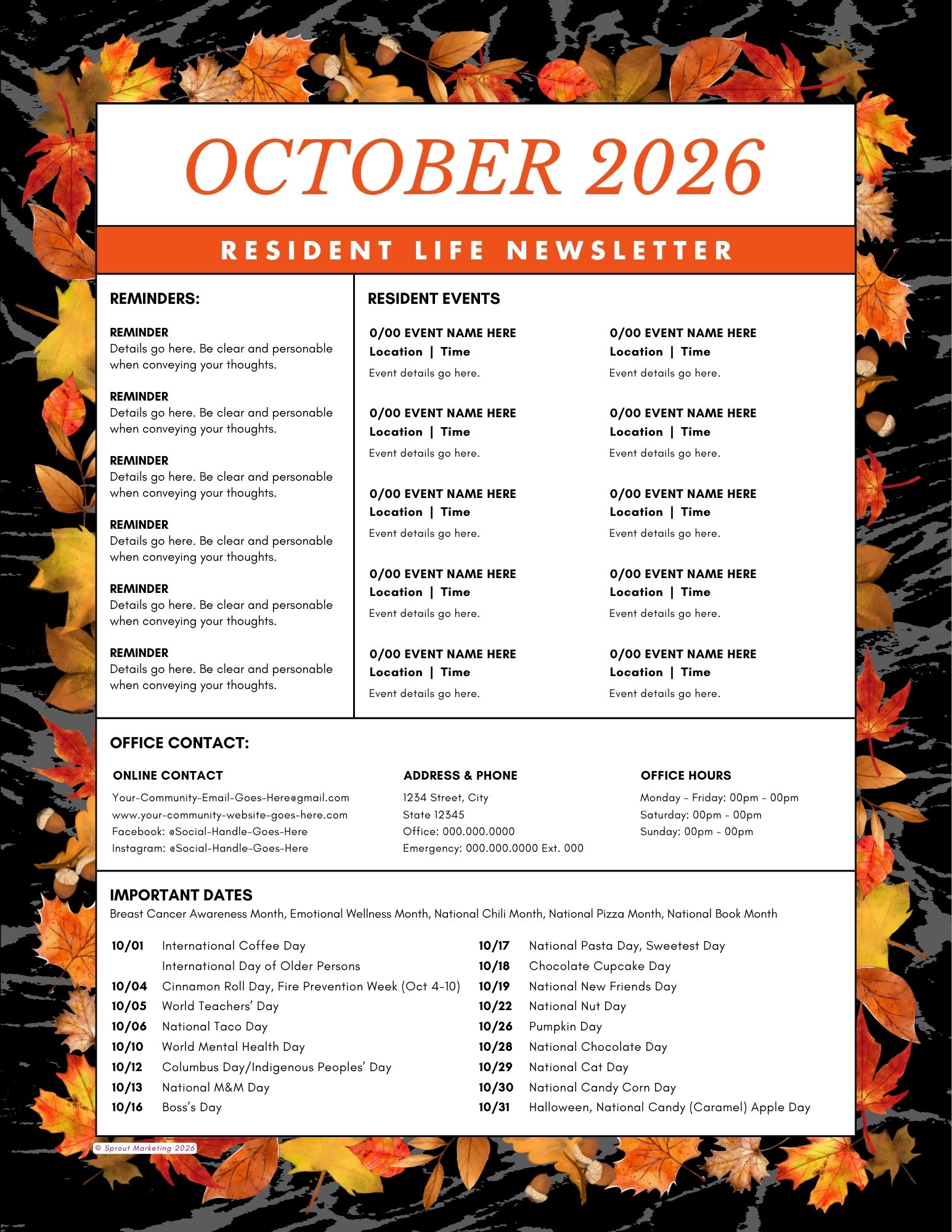
RESIDENT NEWSLETTER TEMPLATE
➡Take Note: October’s Happenings
BUILD YOUR MONTH OF MARKETING & RETENTION AROUND THESE DATES
October is: Breast Cancer Awareness Month, Emotional Wellness Month, National Chili Month, National Pizza Month, National Book Month
10/01: International Coffee Day, International Day of Older Persons
10/04: Cinnamon Roll Day, Fire Prevention Week (Oct 4-10)
10/05: World Teachers’ Day
10/06: National Taco Day
10/10: World Mental Health Day
10/12: Columbus Day/Indigenous Peoples’ Day
10/13: National M&M Day
10/16: Boss’s Day
10/17: National Pasta Day, Sweetest Day
10/18: Chocolate Cupcake Day
10/19: National New Friends Day
10/22: National Nut Day
10/26: Pumpkin Day
10/28: National Chocolate Day
10/29: National Cat Day
10/30: National Candy Corn Day
10/31: Halloween, National Candy (Caramel) Apple Day
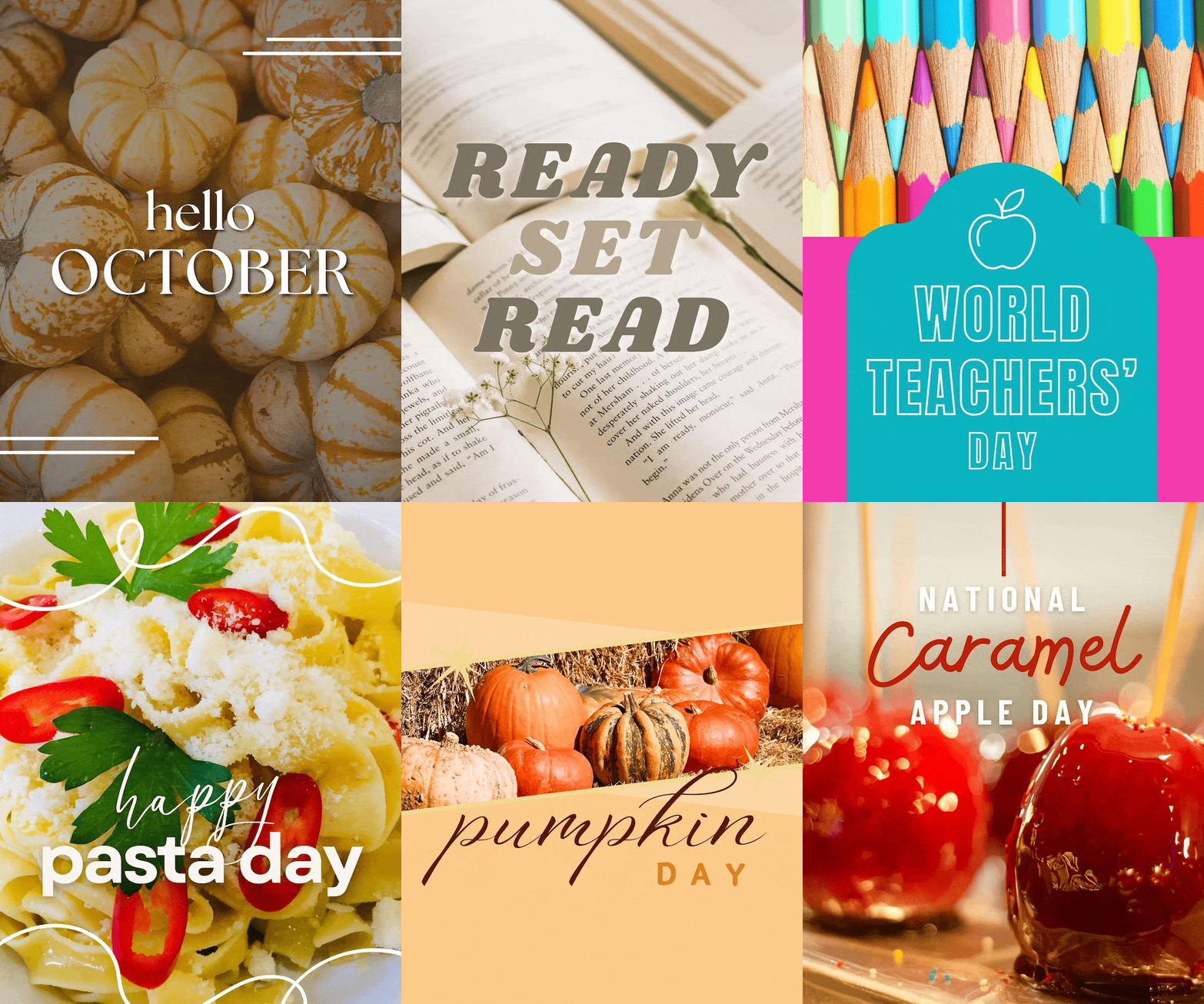
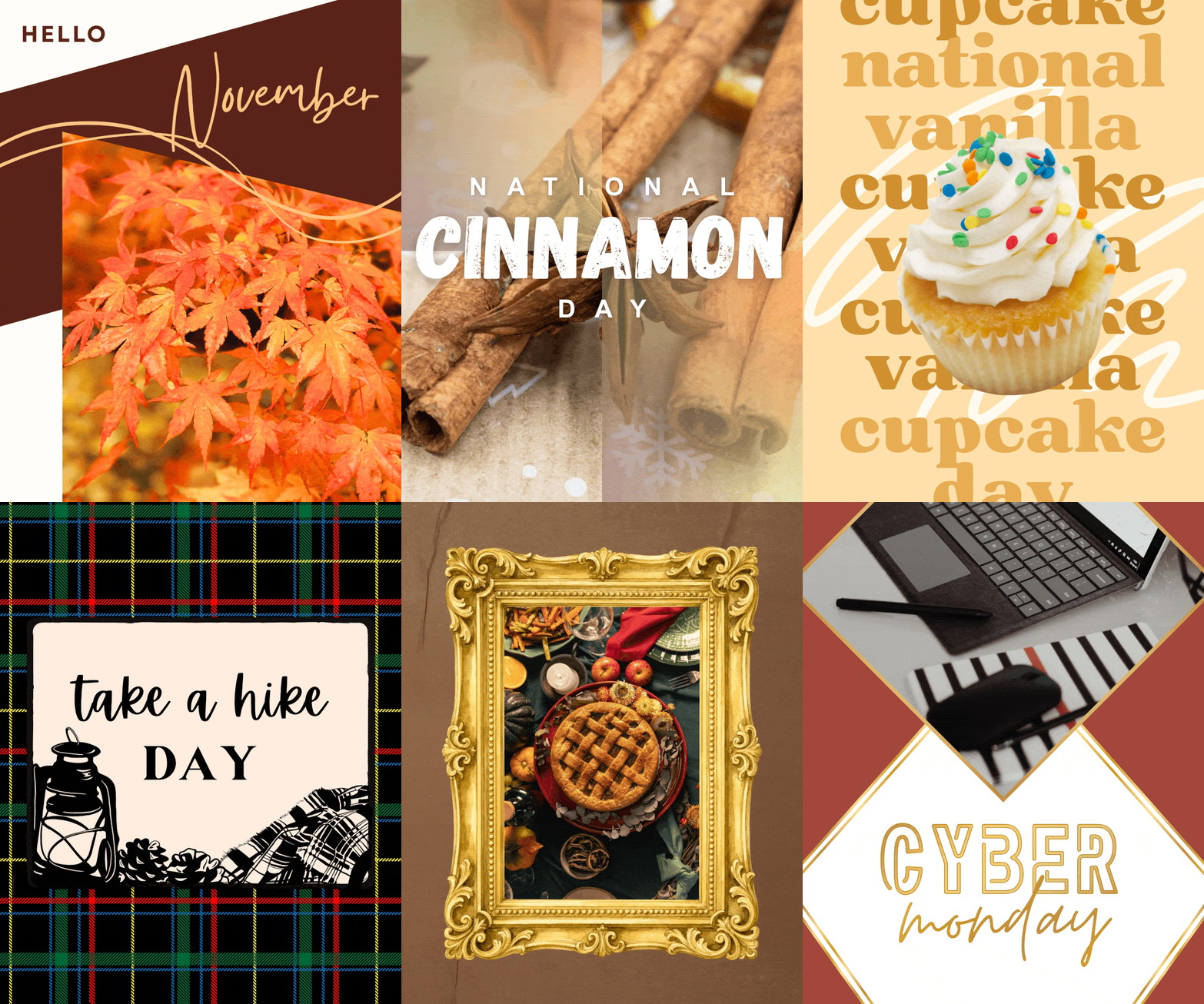
Download all of the creative holiday graphics for October in one click!
Get your zipped file of all the graphics in one download 👇
➡Choose Your Marketing Campaign to Drive Leads
Select from Outreach and Follow-Up Campaigns
📣 For more marketing ideas, click HERE.
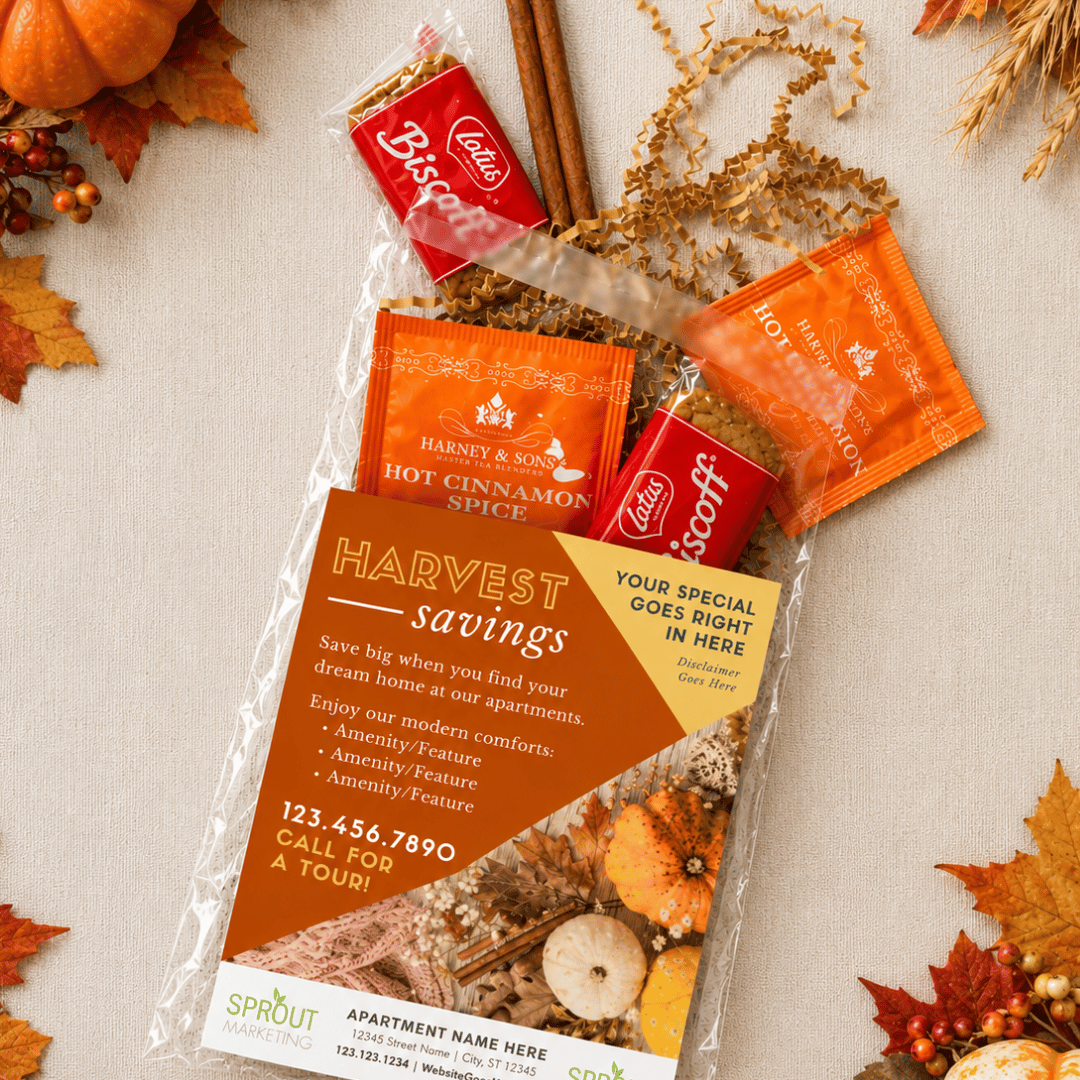
Ready to grow your local connections this fall? Our Harvest Great Savings flyer makes it easy to take your leasing special into the neighborhood! From connecting with local employers to building relationships with nearby businesses, discover simple outreach ideas to spread the word, spark referrals, and turn fall connections into future tours.
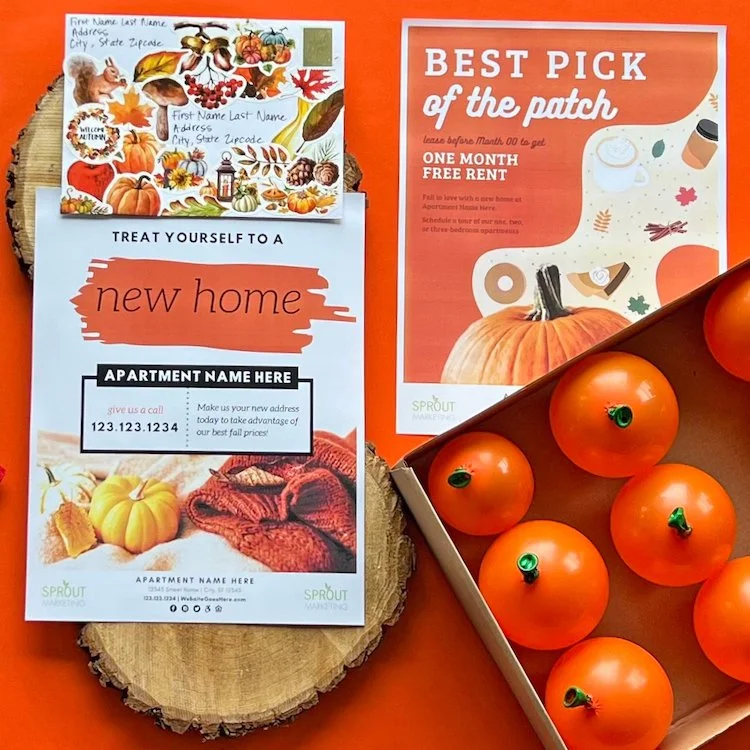
Here’s a very fall outreach idea for you - pumpkins! You can go so many different directions with this one - candy, real pumpkins, pumpkin-flavored anything!
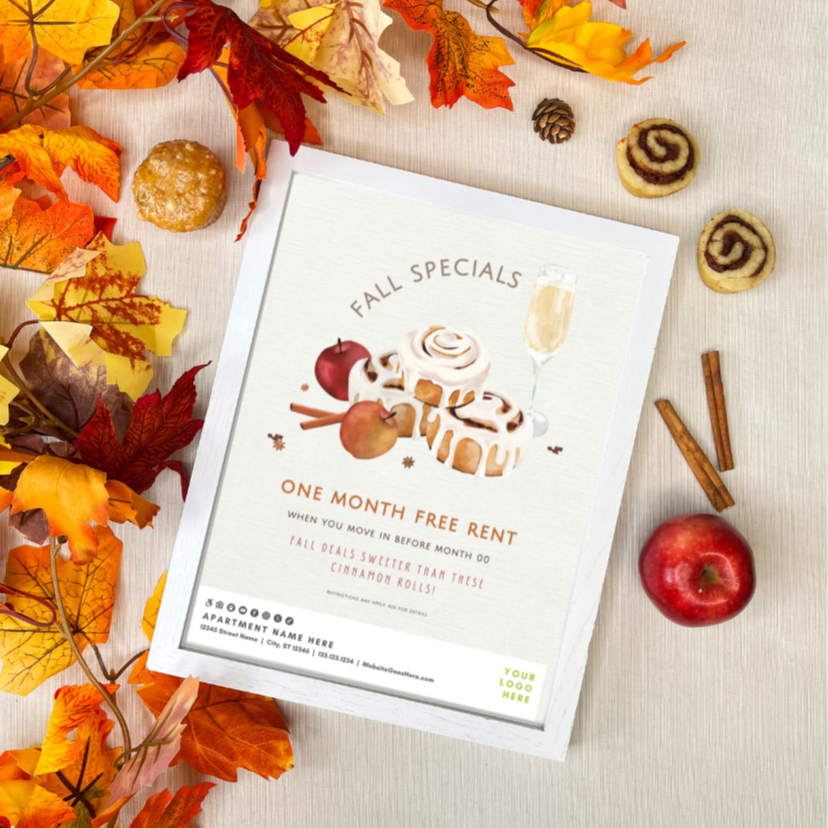
From candy corn to pumpkin spice goodies, there’s no better way to get prospects’ taste buds—and imaginations—excited.
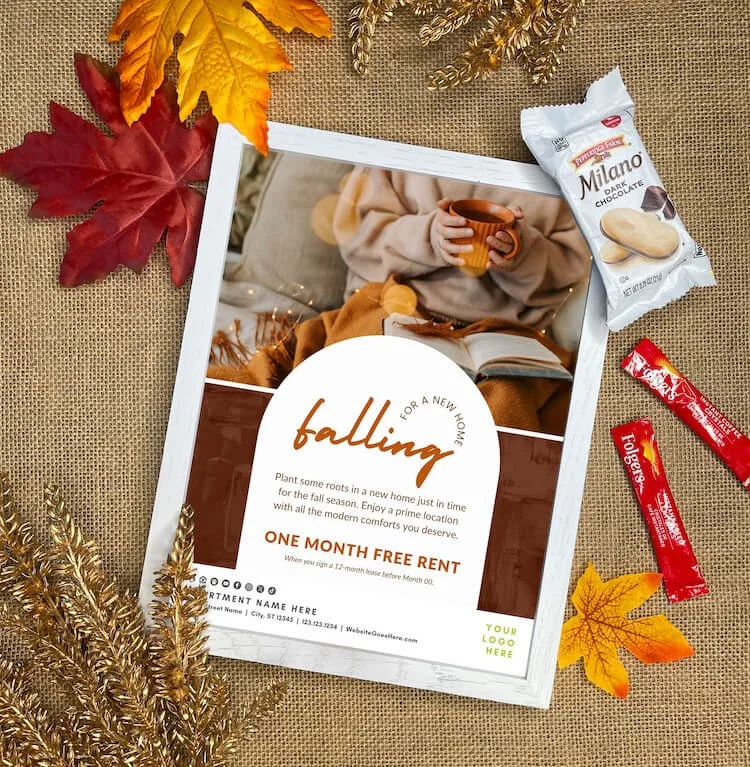
As we welcome the arrival of autumn with its cooler weather, warm hues, and cozy ambiance, these fall slogans and sips capture the essence of the season.

We've curated our top apartment marketing slogans for fall and imaginative marketing approaches, guaranteed to leave a lasting impression on potential residents.
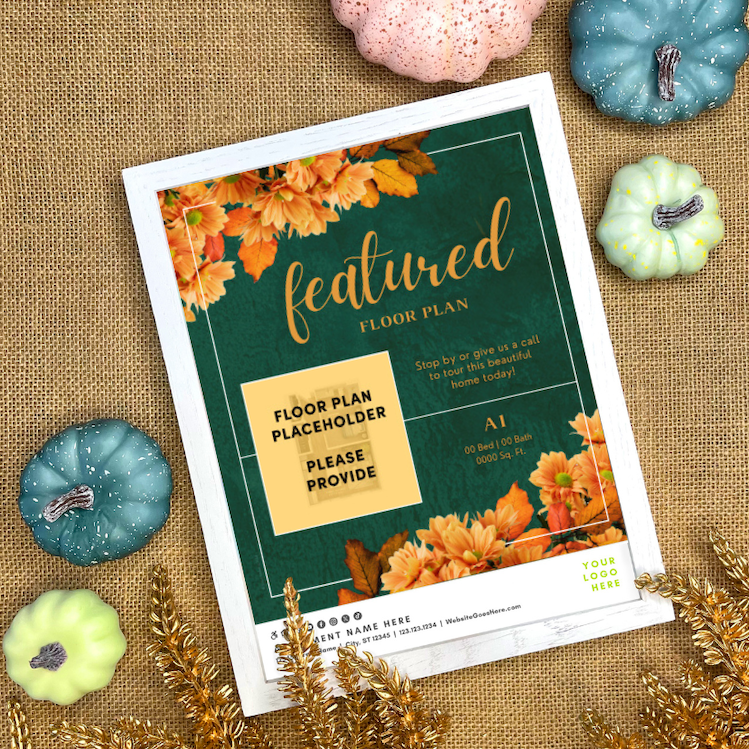
Fall is the perfect time to refresh your leasing strategy! Seasonal flyers make floor plans feel timely and inviting—especially those tougher-to-lease homes. With the right story (and a cozy fall tagline), every unit has a somebody.
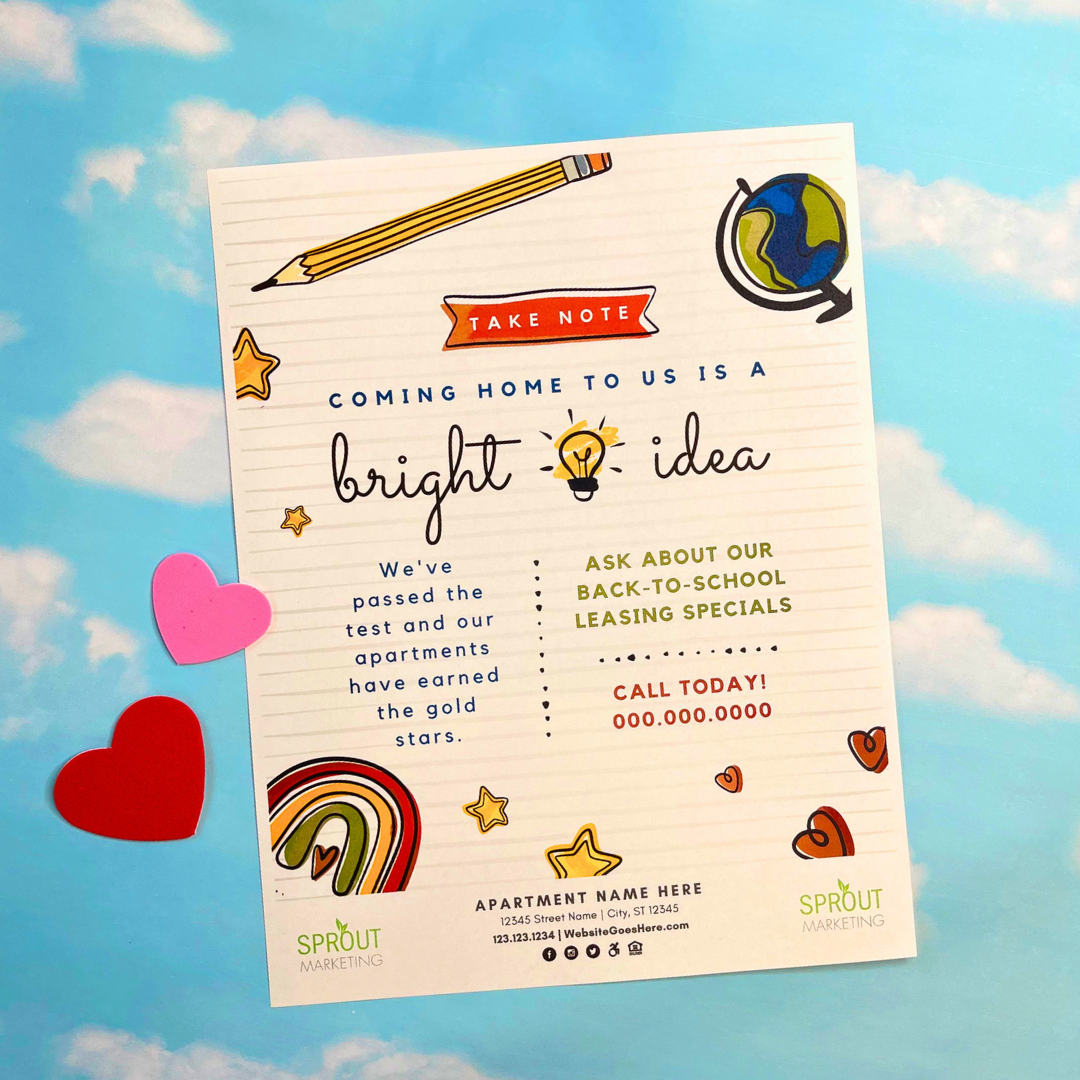
Adding schools to your preferred employer list can be a game-changer for attracting quality residents to your community. Schools, universities, trade schools, and educational programs are hubs for educators, staff, and families who value stability and proximity to work.
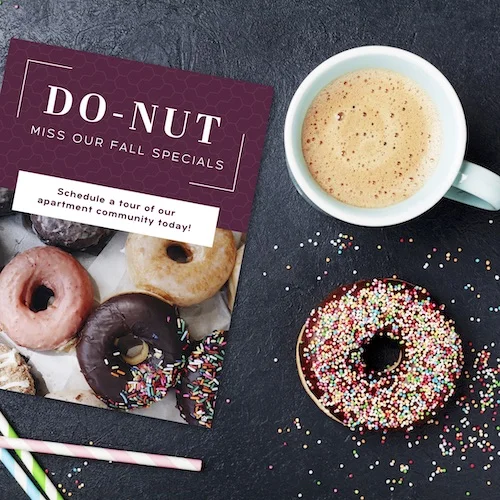
September is Better Breakfast Month so we decided it would be fitting to do a breakfast-themed outreach initiative for you preferred employers!
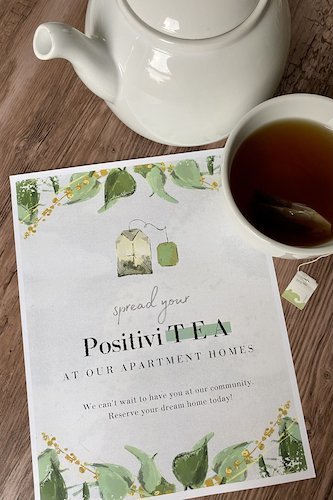
➡Choose Your Referral Campaign
📣 For more REFERRAL ideas, click HERE.
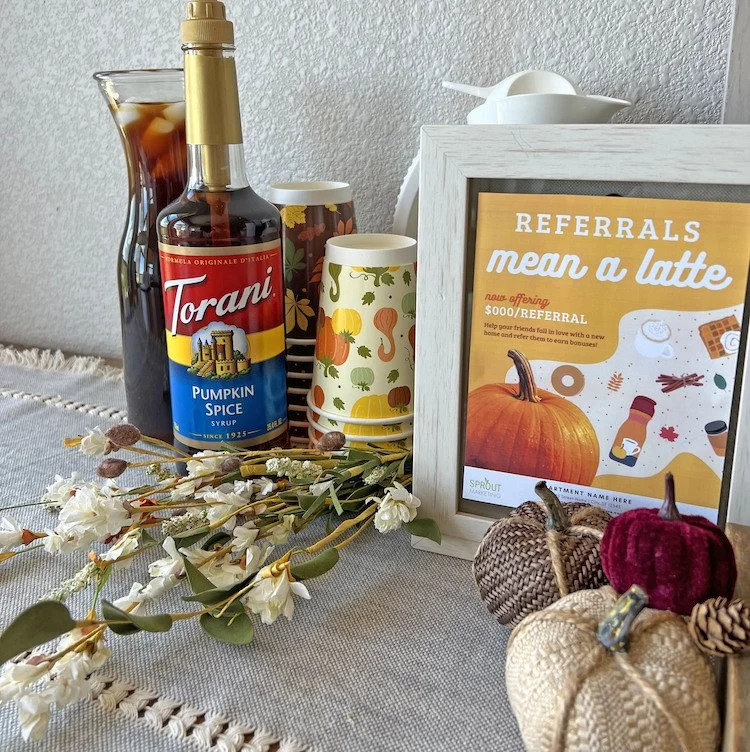
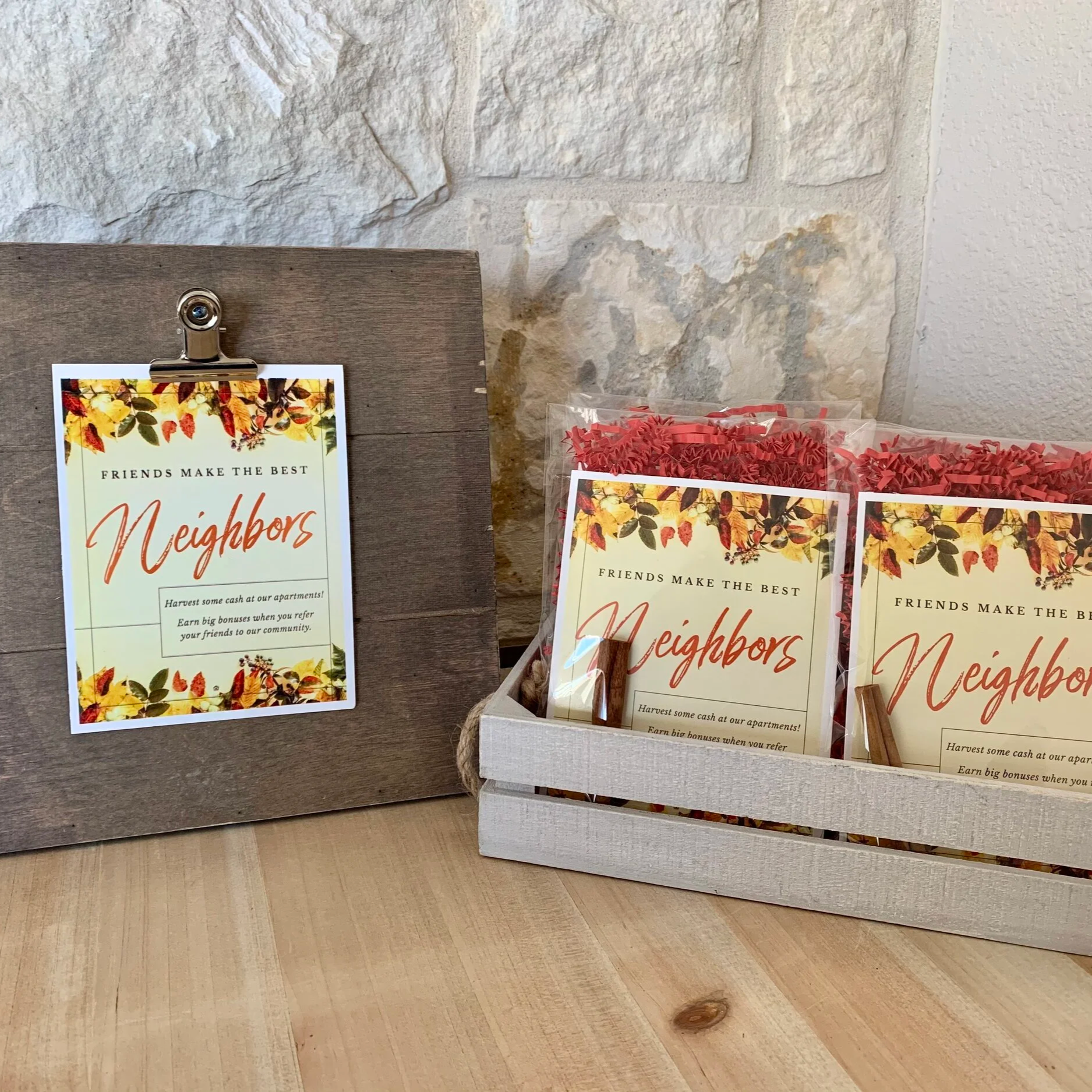
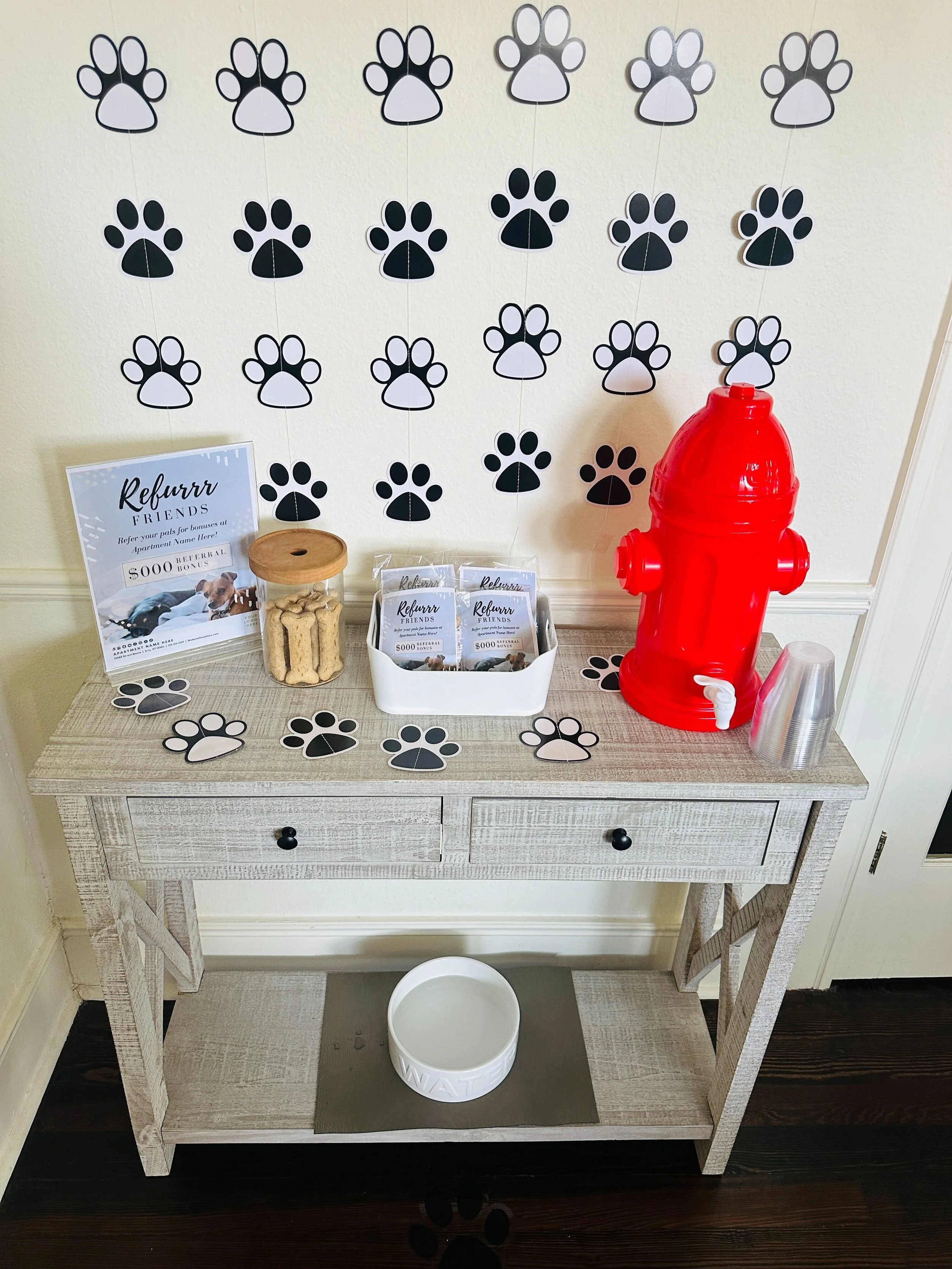
Create a cozy fall-themed referral station for under $20 by pairing a cute design with treats and seasonal décor, then placing mini pop-up stations around your community to keep referrals top of mind.
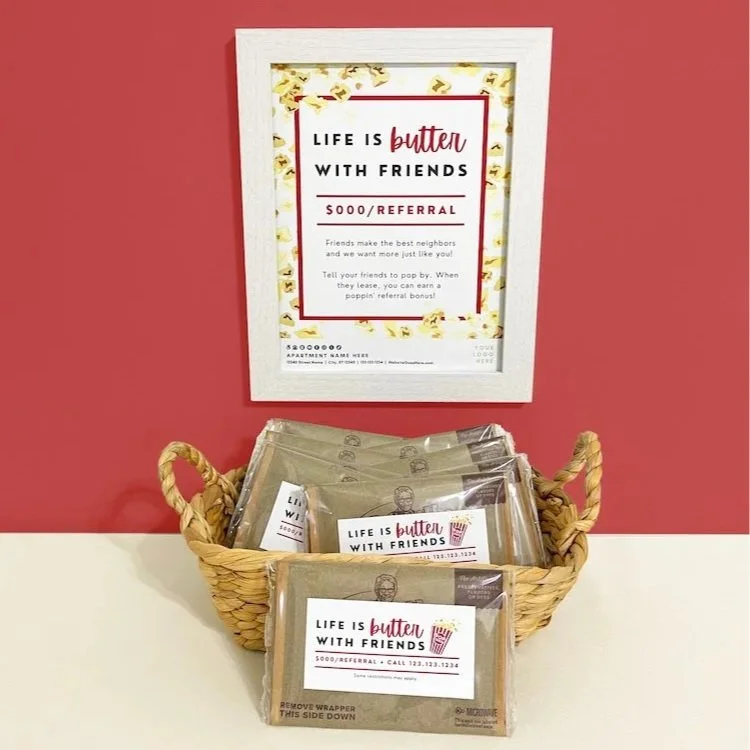
Get your residents talking about your community with a “Popcorn-themed Referral Automation Station” today!
➡Pick Your Events to Build Resident Retention
🥳 For more event ideas, click HERE.
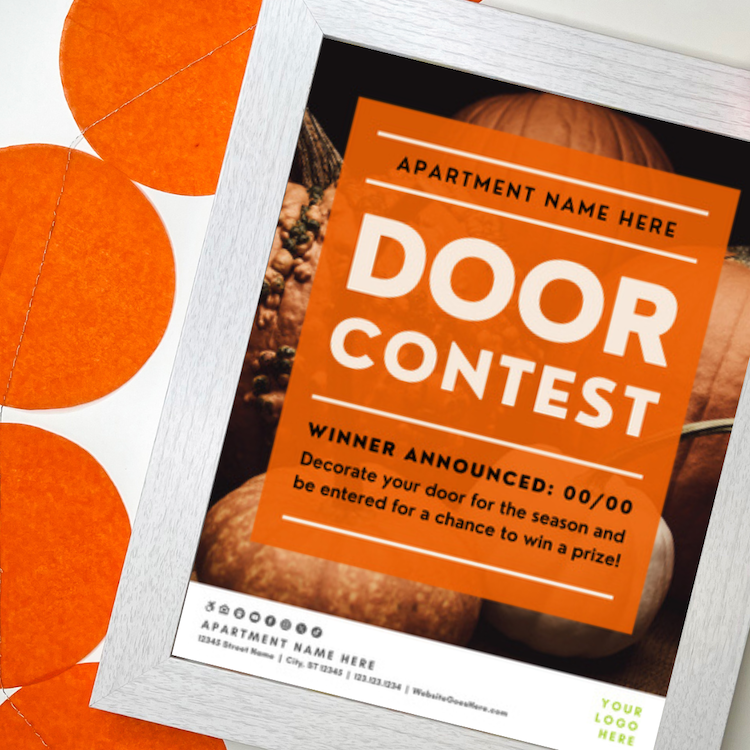
This blog offers five fun fall door-decorating ideas—including pumpkins, thankful leaves, hallway themes, and a pink Breast Cancer Awareness contest—complete with extras and prizes to engage residents.
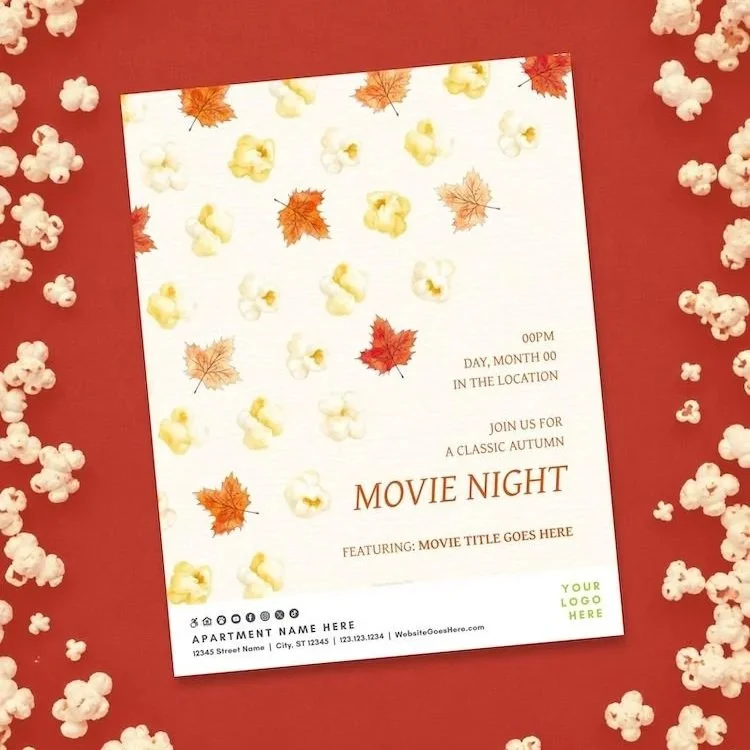
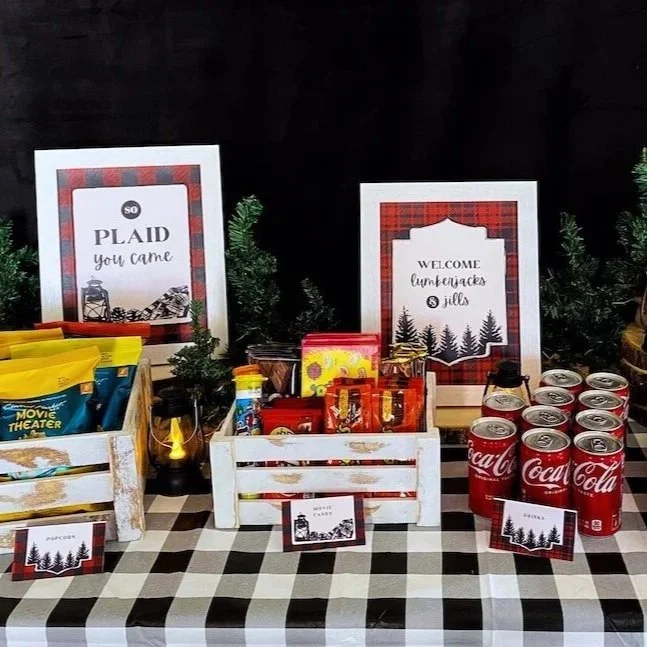
A cozy night of fall favorites and film-worthy fun, giving residents a chance to settle in, socialize, and enjoy a classic movie without ever leaving the community.
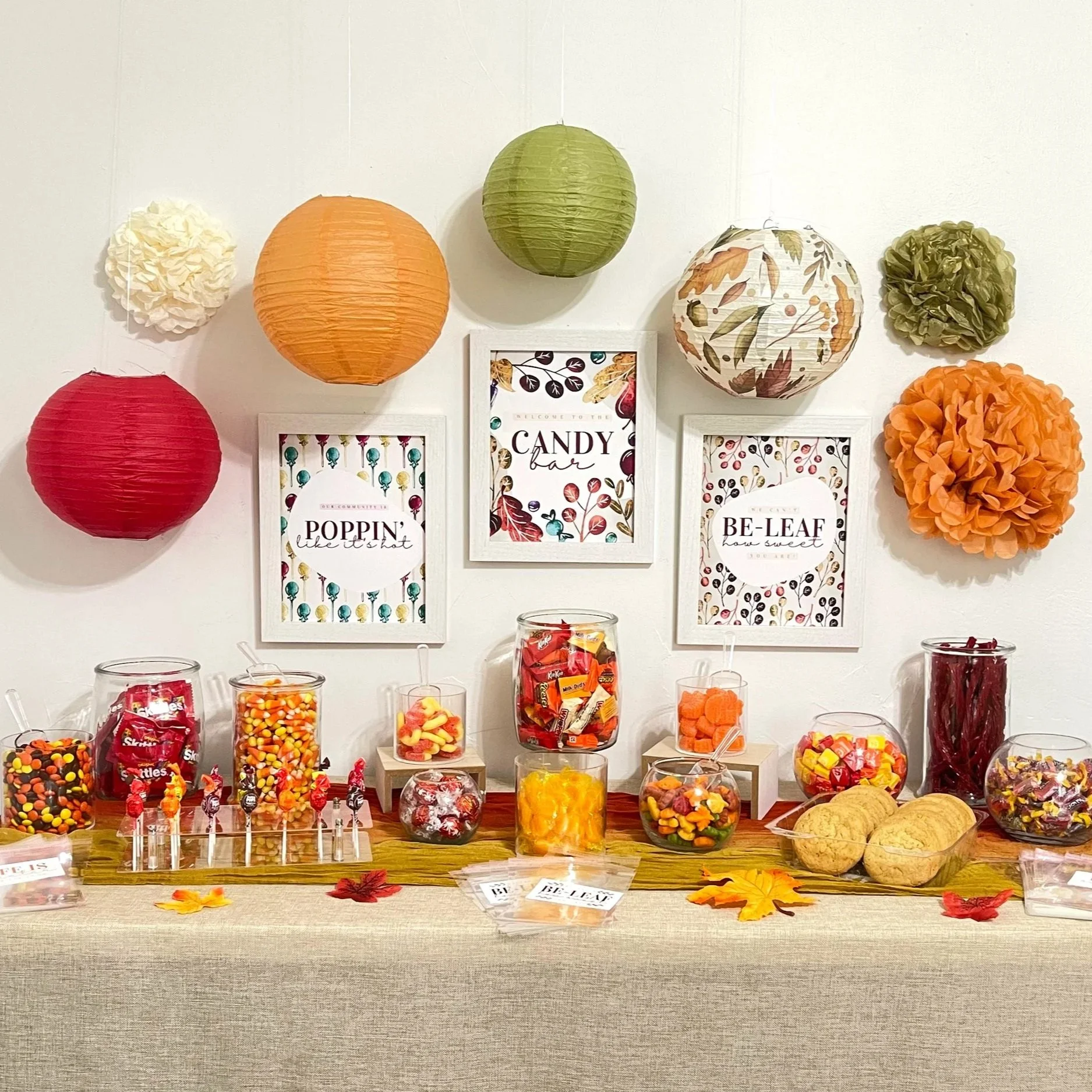
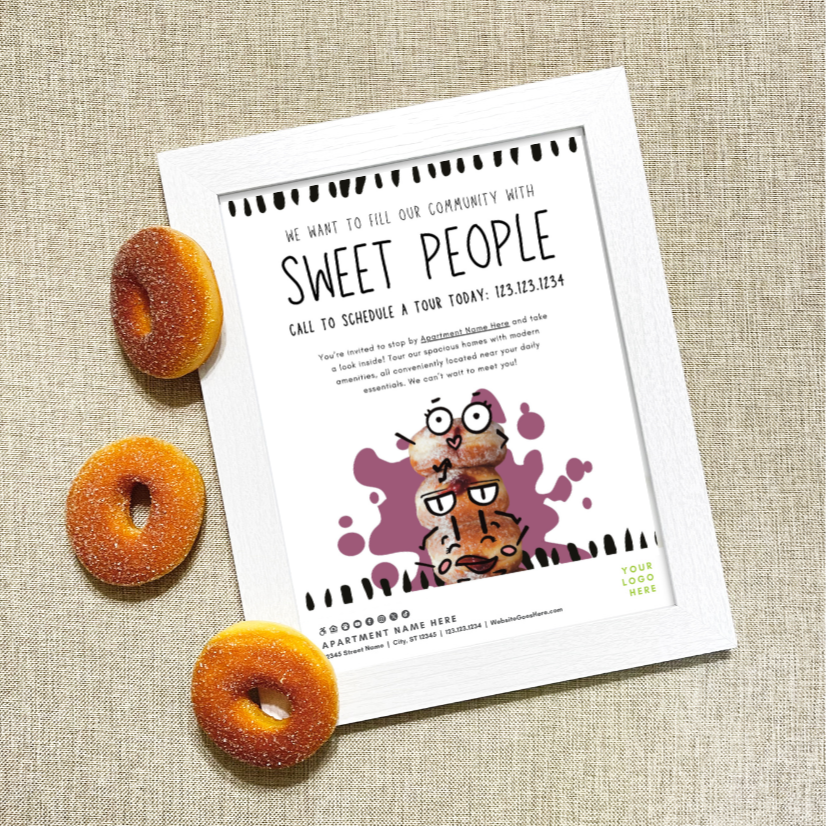
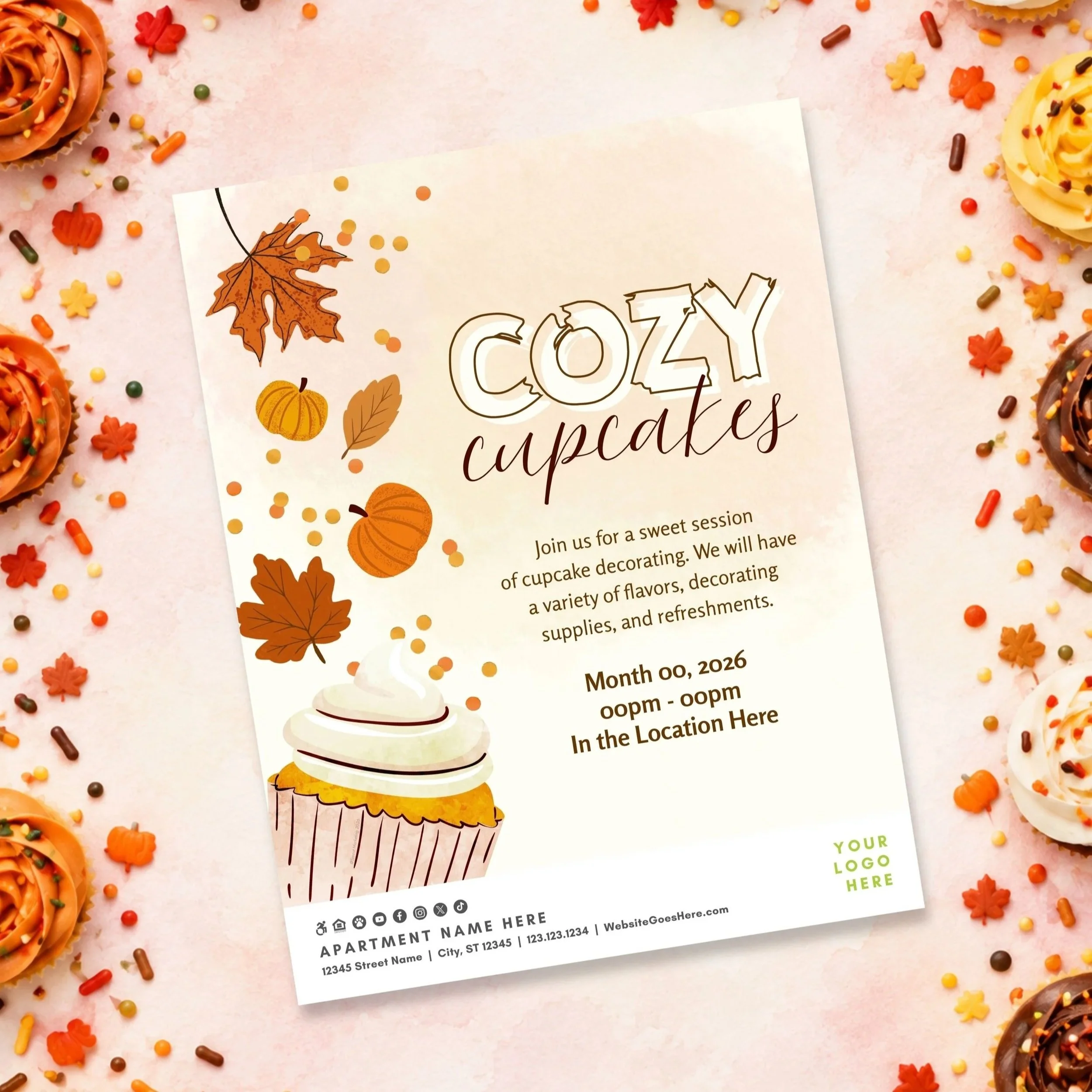
This October, celebrate how sweet life at your community truly is with warm fall colors and plenty of candy. Our “Life is Sweet” trio of events offers everything from a full candy bar to quick grab-and-go treats and a fun virtual guessing game
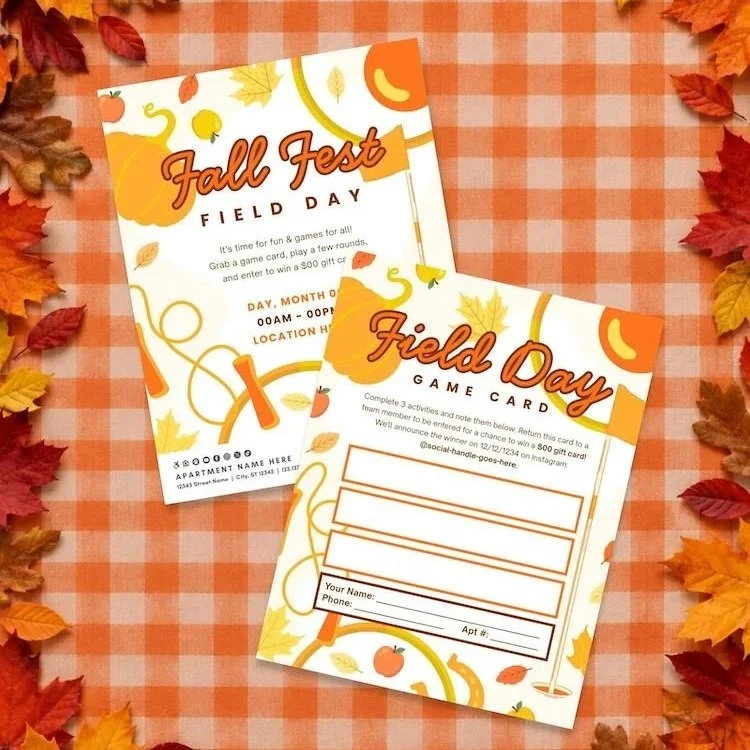
Get residents outside for a little fall fun and friendly competition with a Field Day that’s sure to be a gourd time.
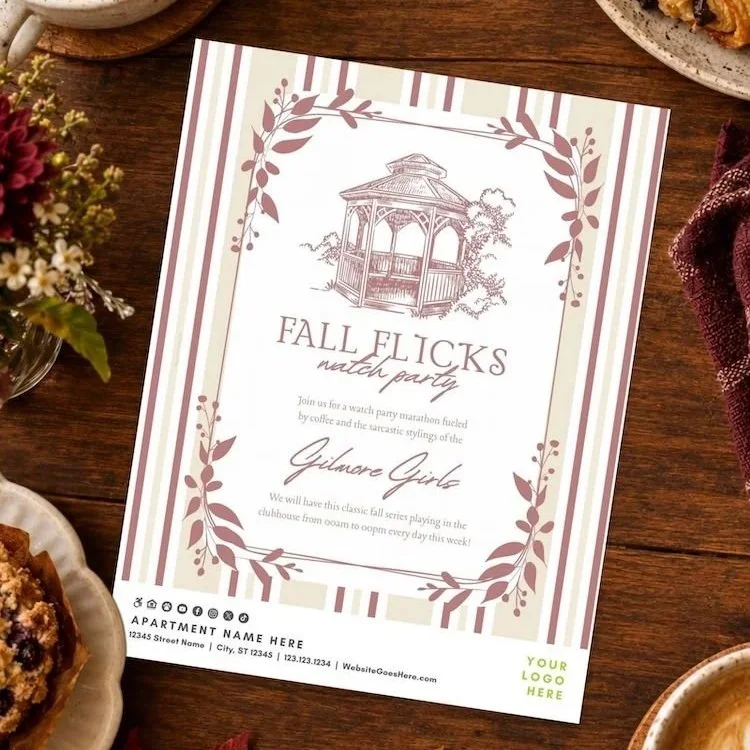
Turn your community into Stars Hollow for a weeklong Gilmore Girls viewing marathon where residents can drop in, stay awhile, and binge their way through the beloved series.
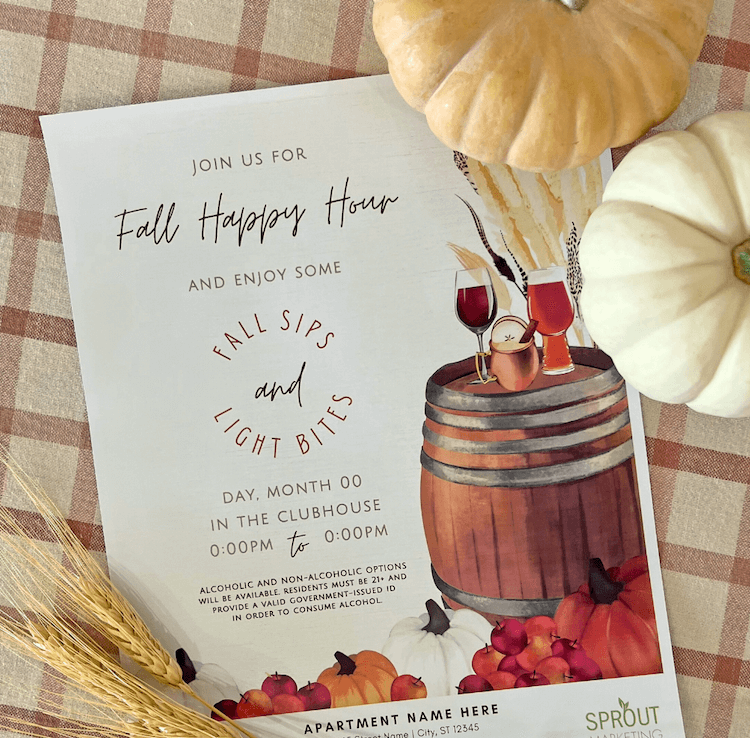
Residents will appreciate the opportunity to unwind and socialize in a relaxed, welcoming atmosphere as they sip on their favorite fall drinks.

Turn the volume up and let residents channel their inner rock legend with a totally rad 80s karaoke night.
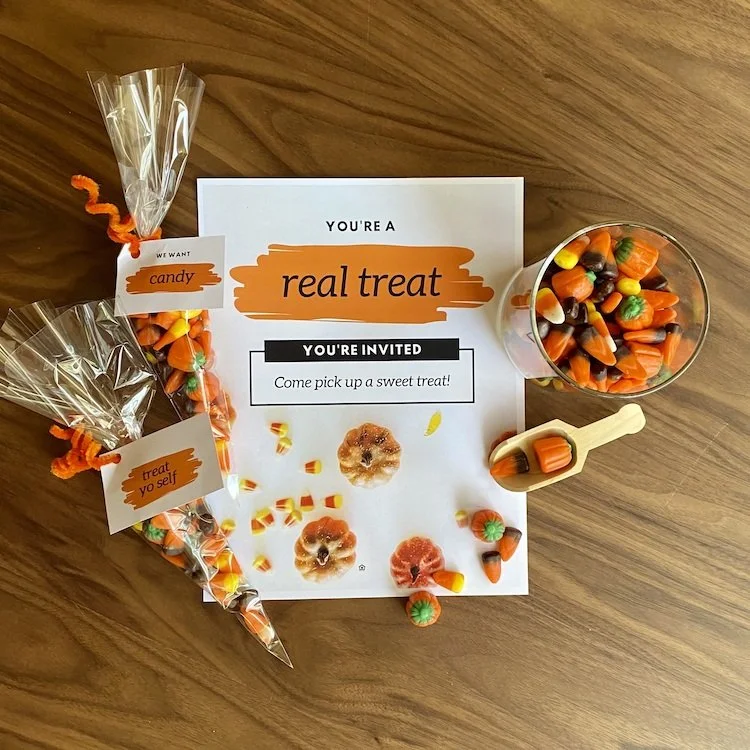
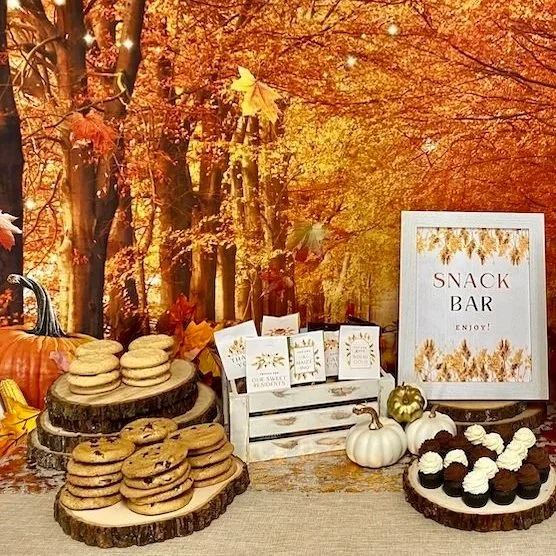
Set up a candy bar (packaged to-go or help yourself) in your clubroom for your residents and/or in your leasing office for tours.

As the weather cools down, heat things up with this fun-filled event featuring hearty bowls of chili, great company, and a little friendly competition!
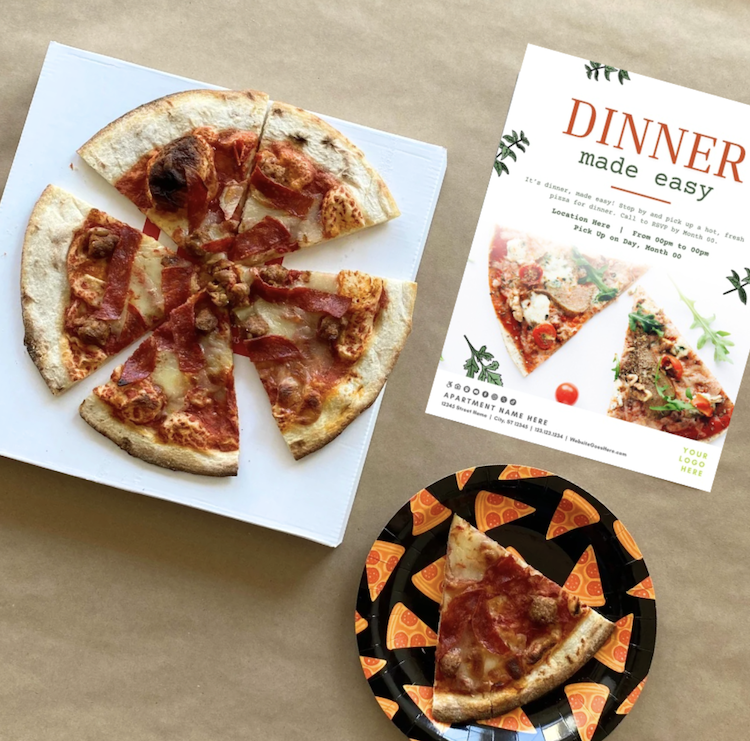
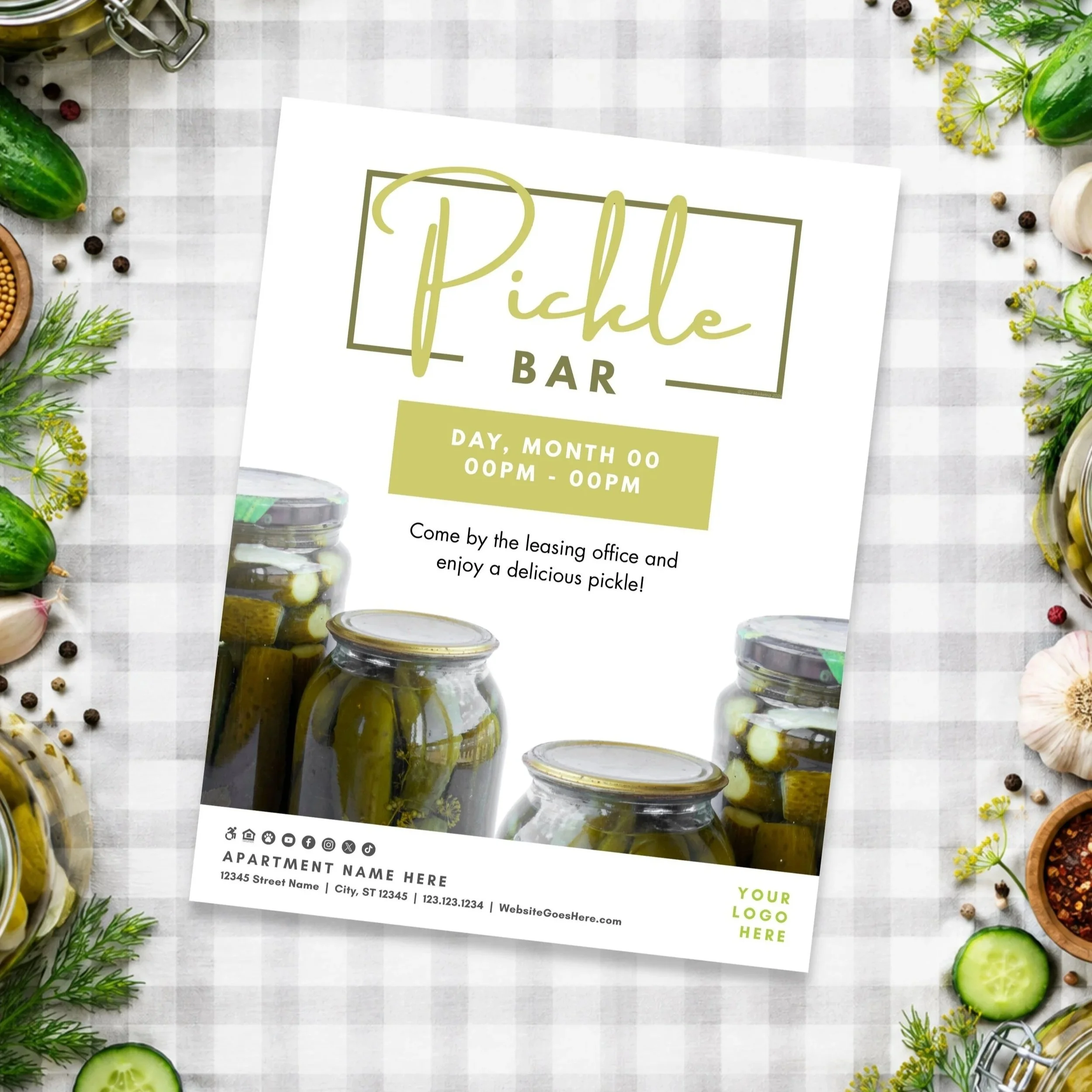
Is there anyone on this planet who doesn't love pizza? Host a pizza party at your community. We’ve done all the planning - just add pizza!
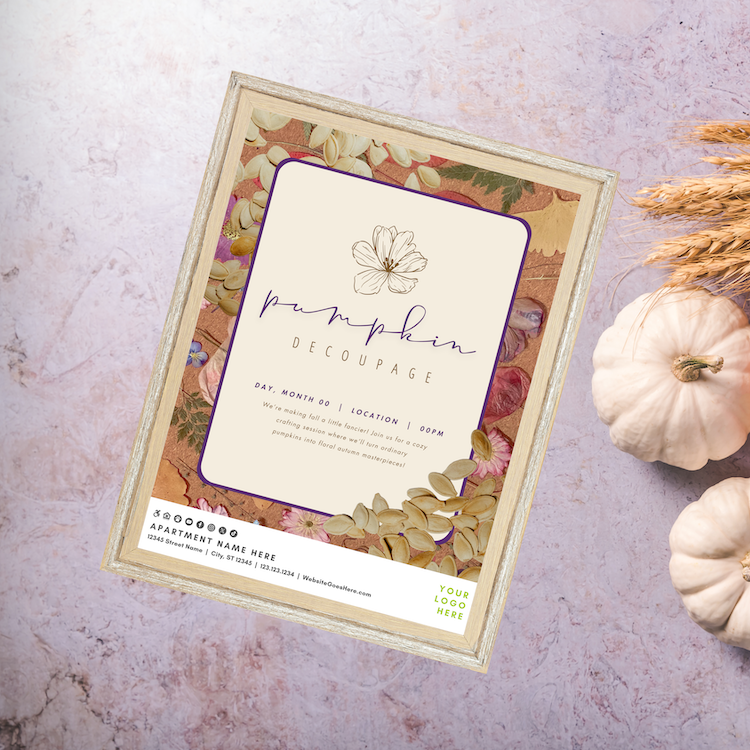
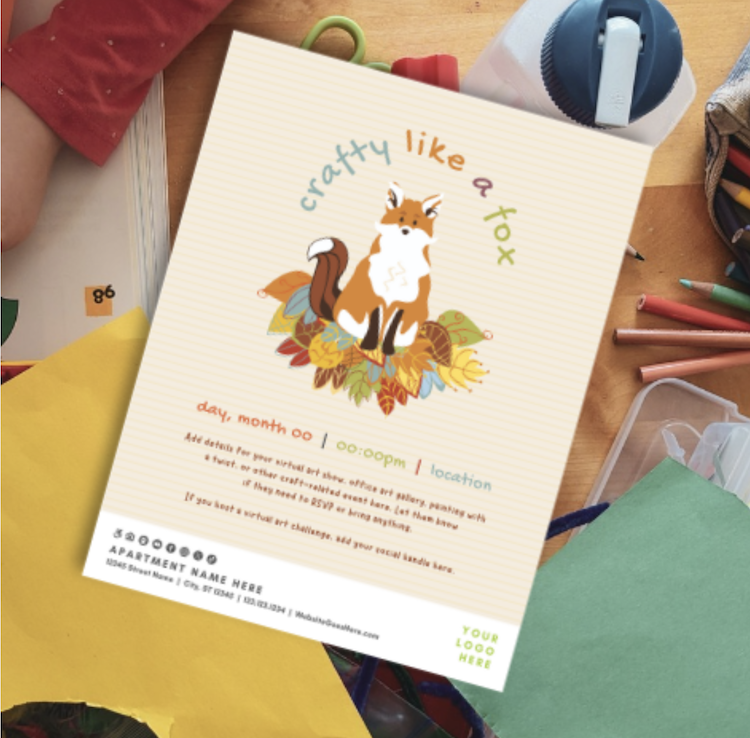
Pumpkin decorating doesn’t have to mean messy carving! From decoupage and painting to glitter and glow-in-the-dark designs, these creative alternatives are perfect for residents of all ages to get festive without the cleanup.
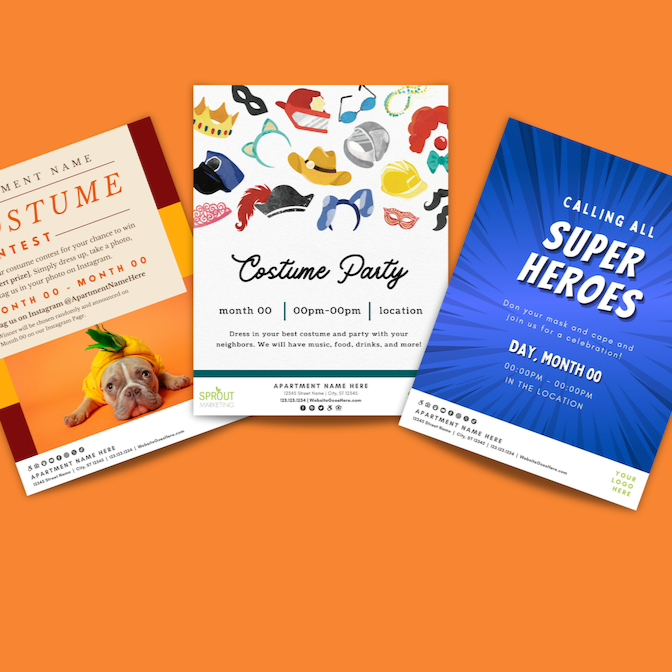
Perfect for October or any time of year, these costume and masquerade events add instant fun, creativity, and community connection.
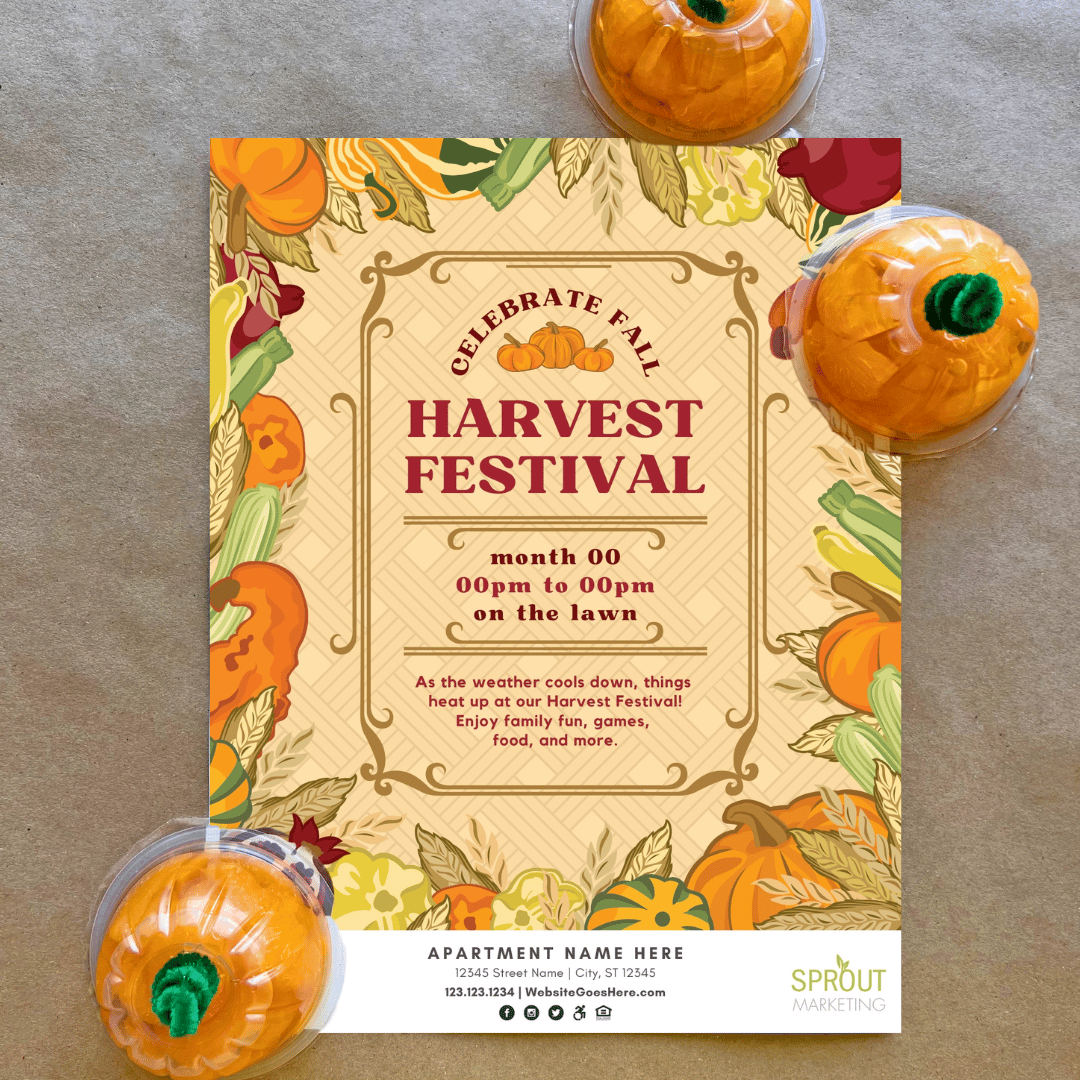
Host a Harvest Fest on any budget with simple, crowd-pleasing activities like “Poke a Pumpkin,” pumpkin painting, and more. Whether indoors or outdoors, you can create a festive fall vibe and even invite local restaurants or businesses to set up tables to offer or sell their goodies.
➡Resident Retention: Appreciation & Renewals
💕 Click the following for more retention ideas: Appreciation or Renewal
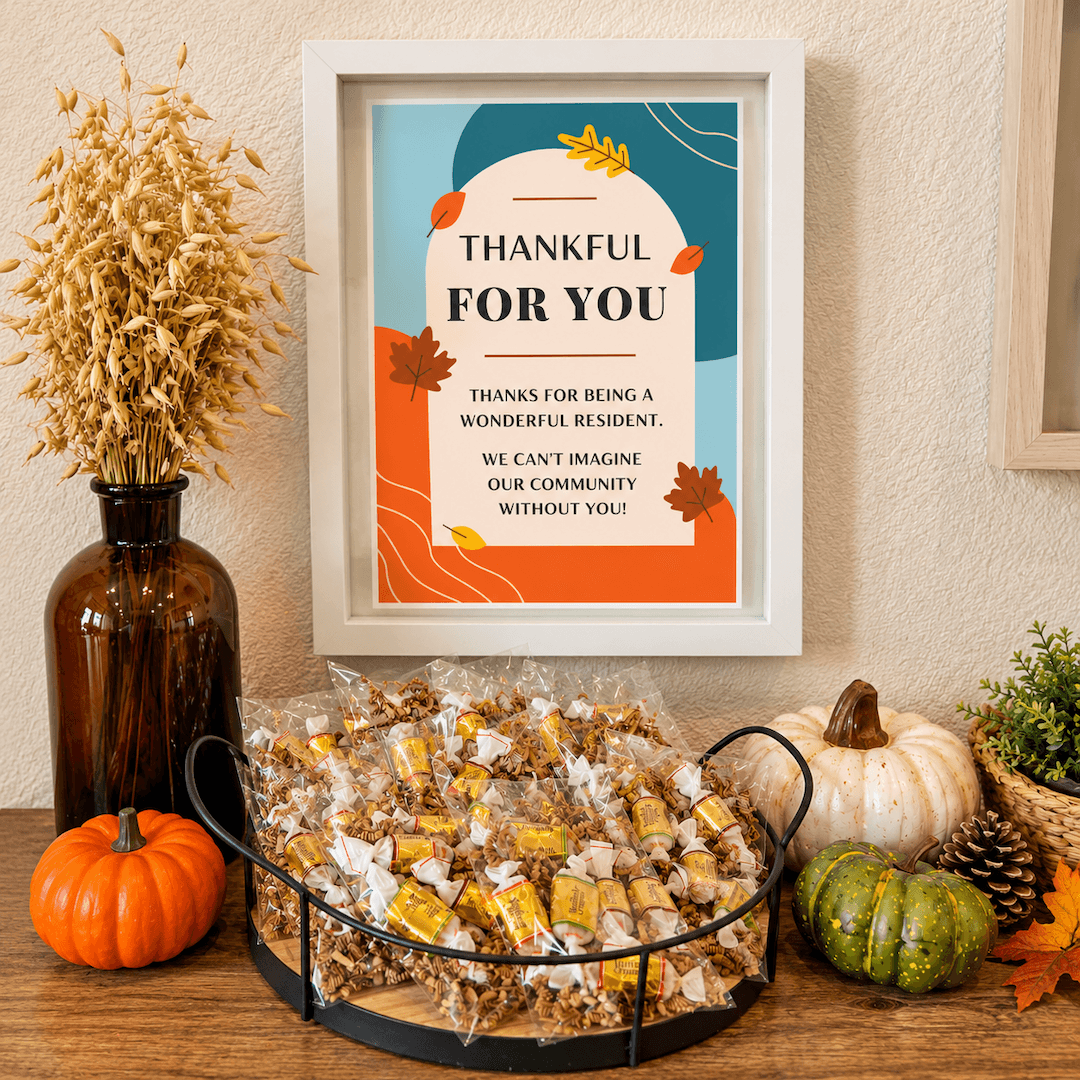
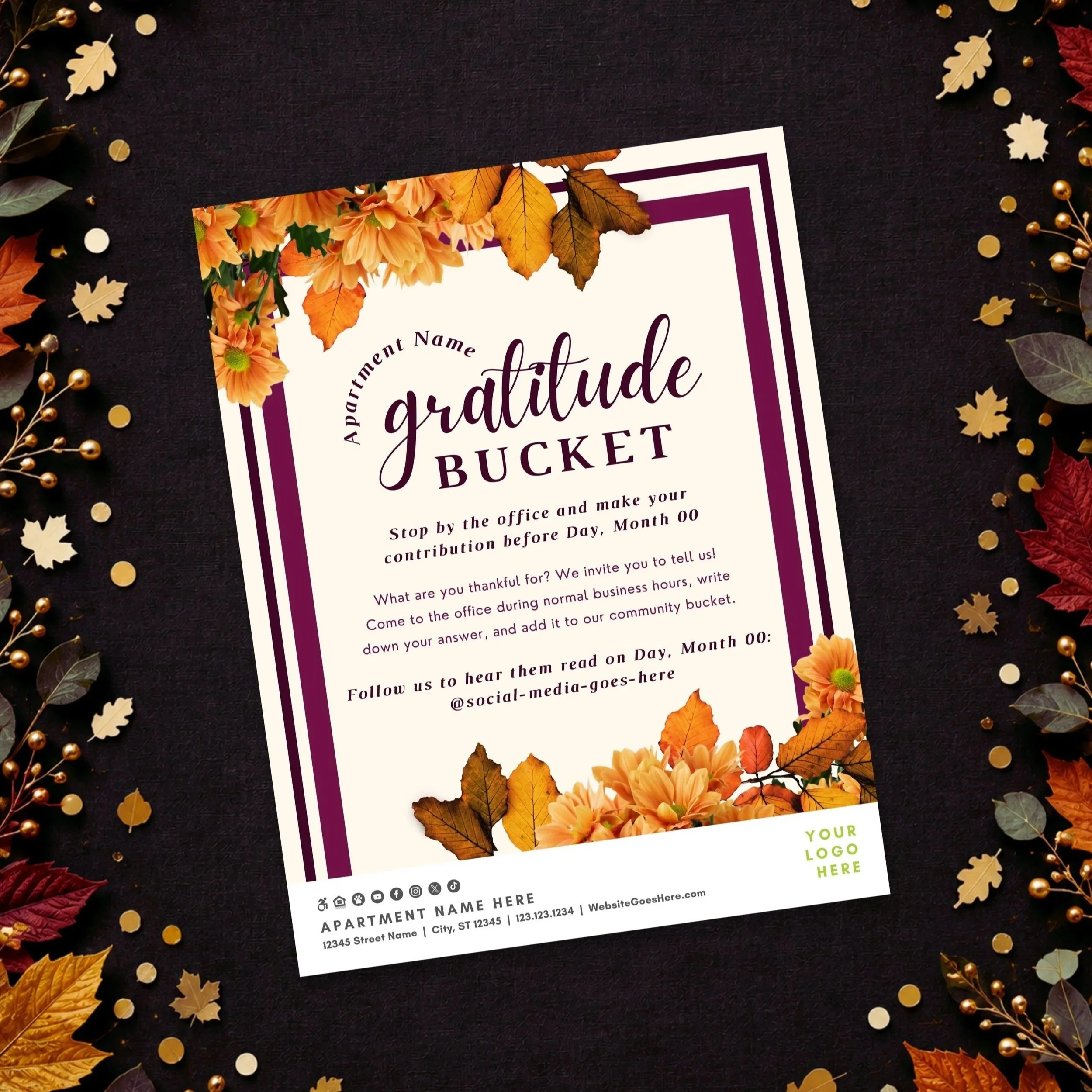
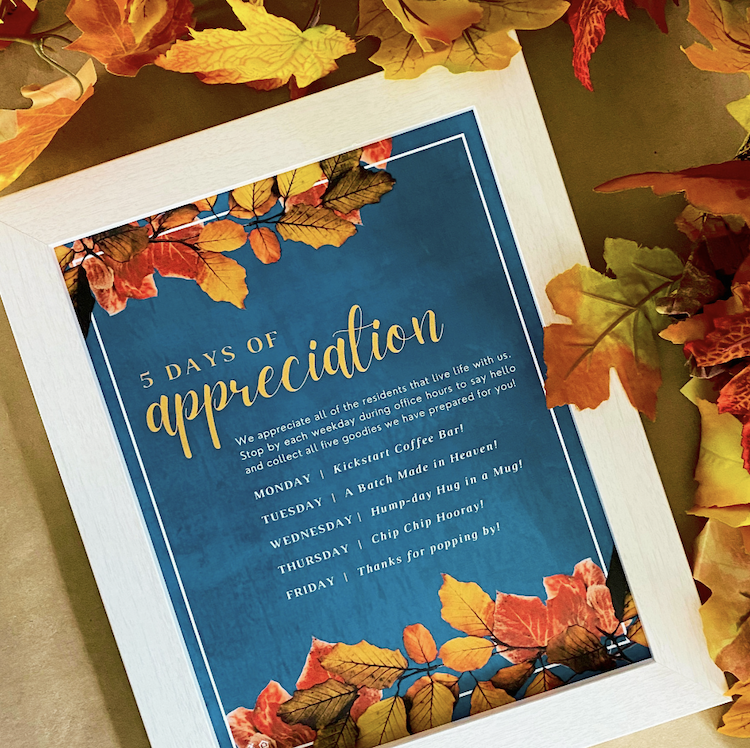
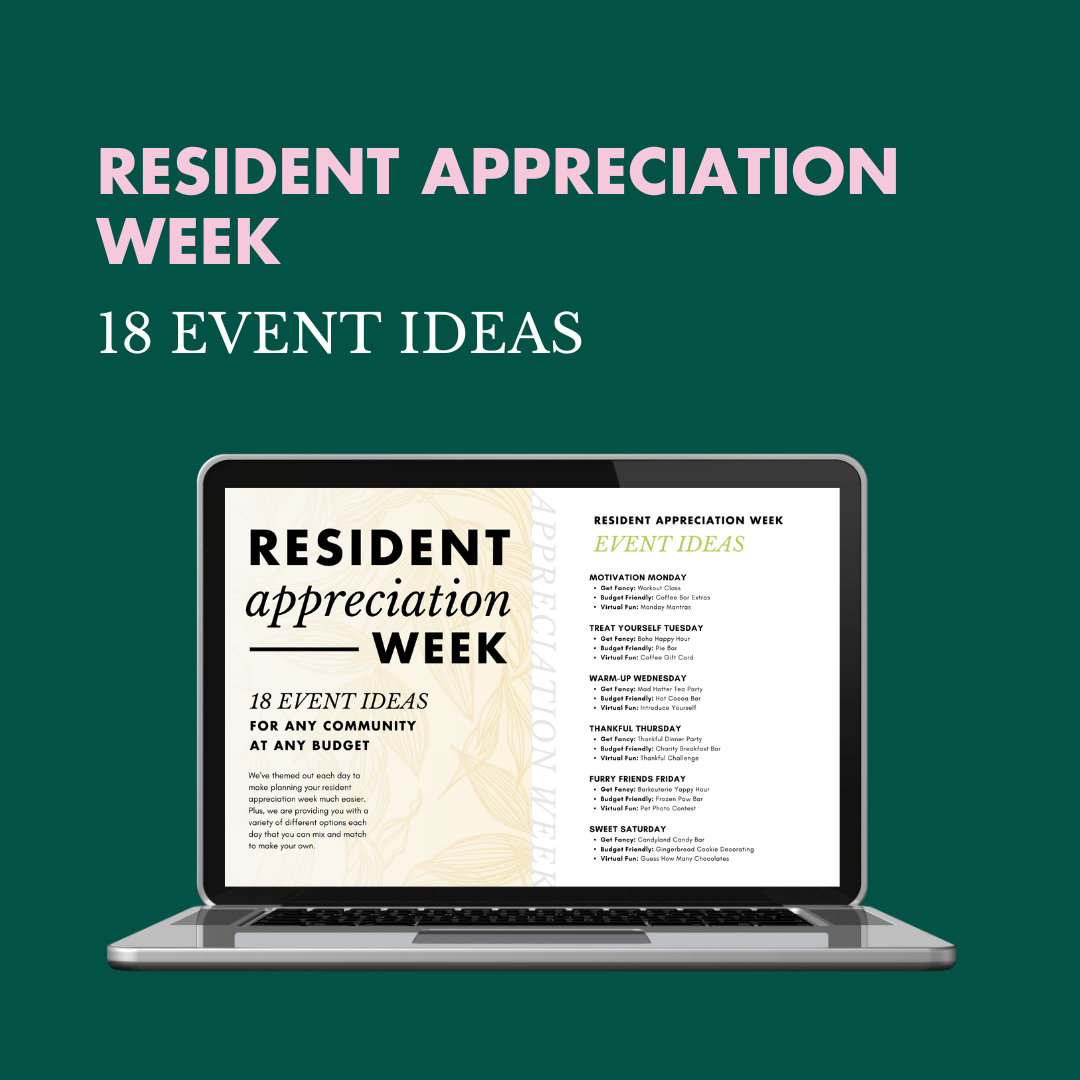
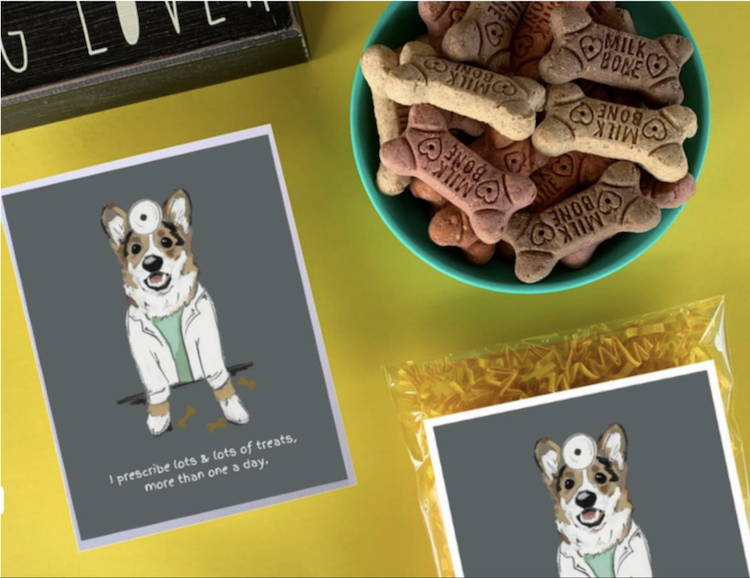
November is the perfect time to celebrate gratitude and let residents know how much they mean to your community. These thoughtful gifts and cozy seasonal treats offer a simple way to say “thank you” and brighten someone’s day.
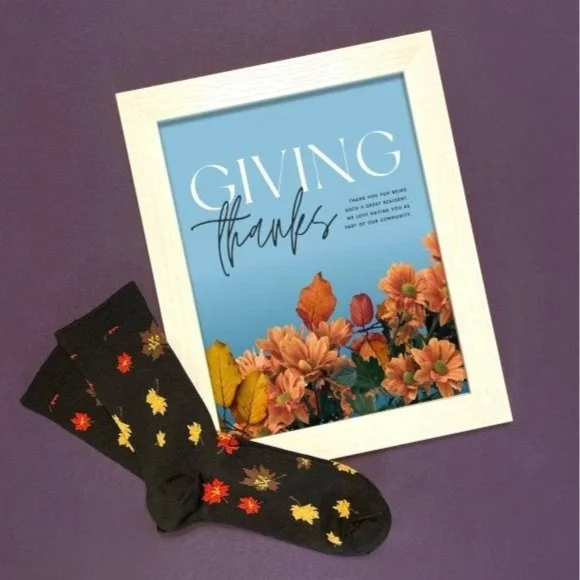
Fall gifts tap into the cozy feelings associated with the season—crisp weather, changing leaves, and harvest-time traditions.

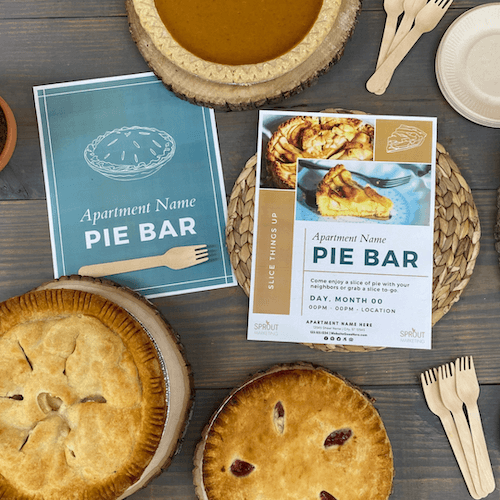
Fall sweets and treats like pies, candy corn, and cinnamon rolls bring the cozy spirit of the season to life, sparking warm memories and a festive atmosphere.
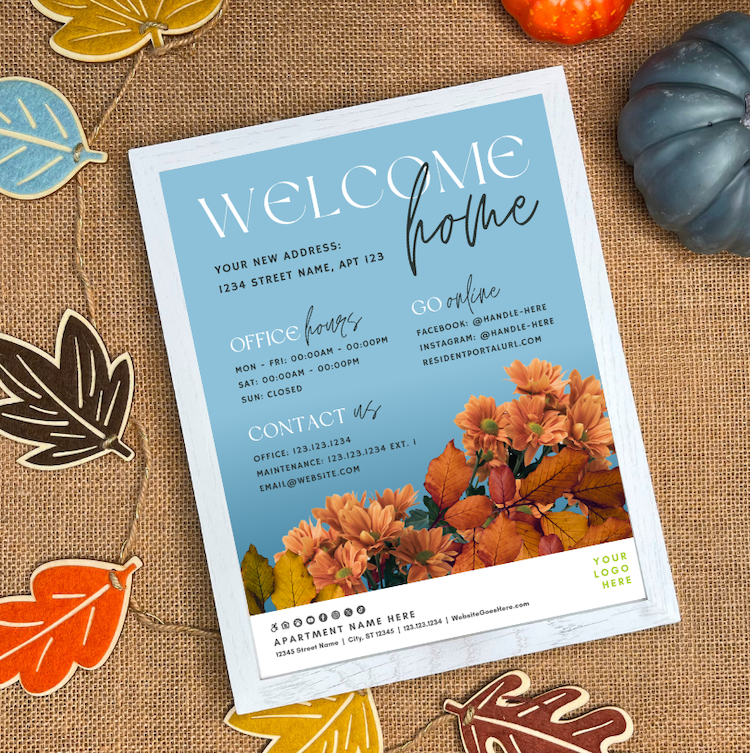
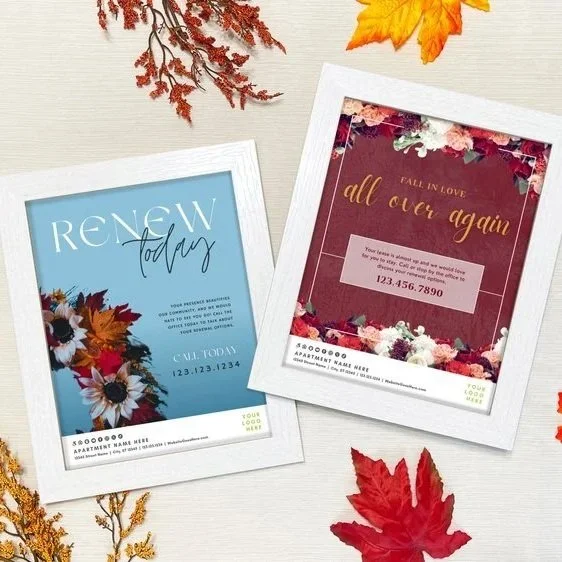
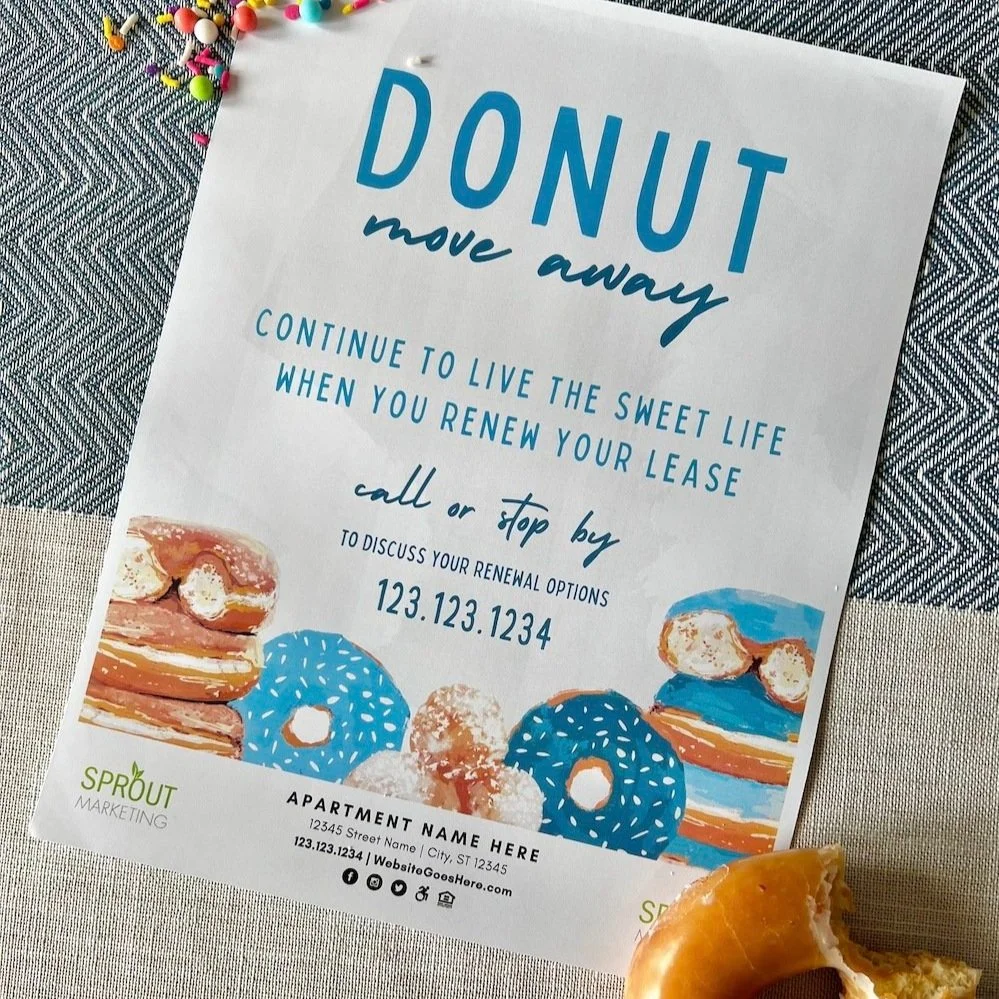
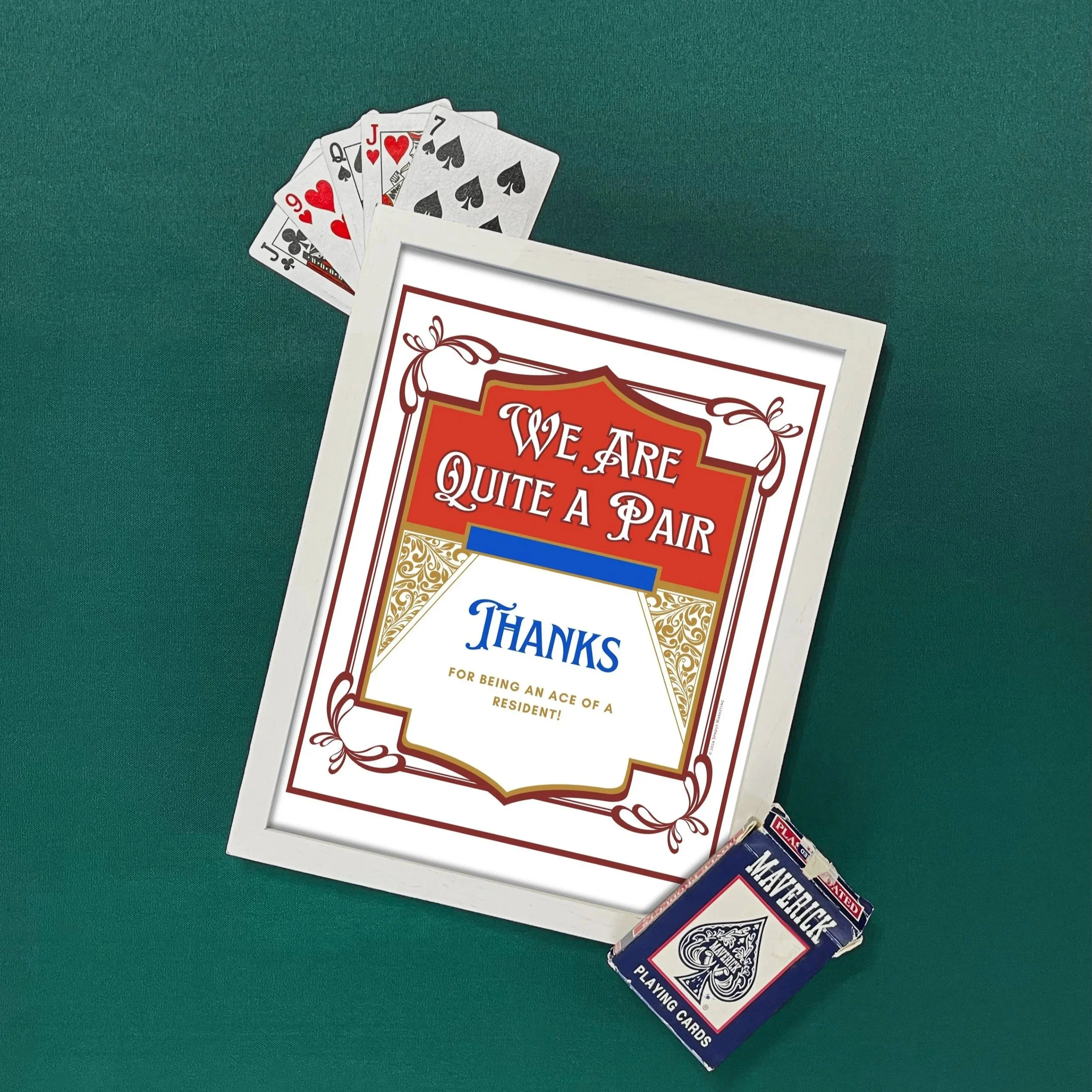
In preparation for this season, we want to highlight some of our favorite fall-themed renewal designs from our gallery.
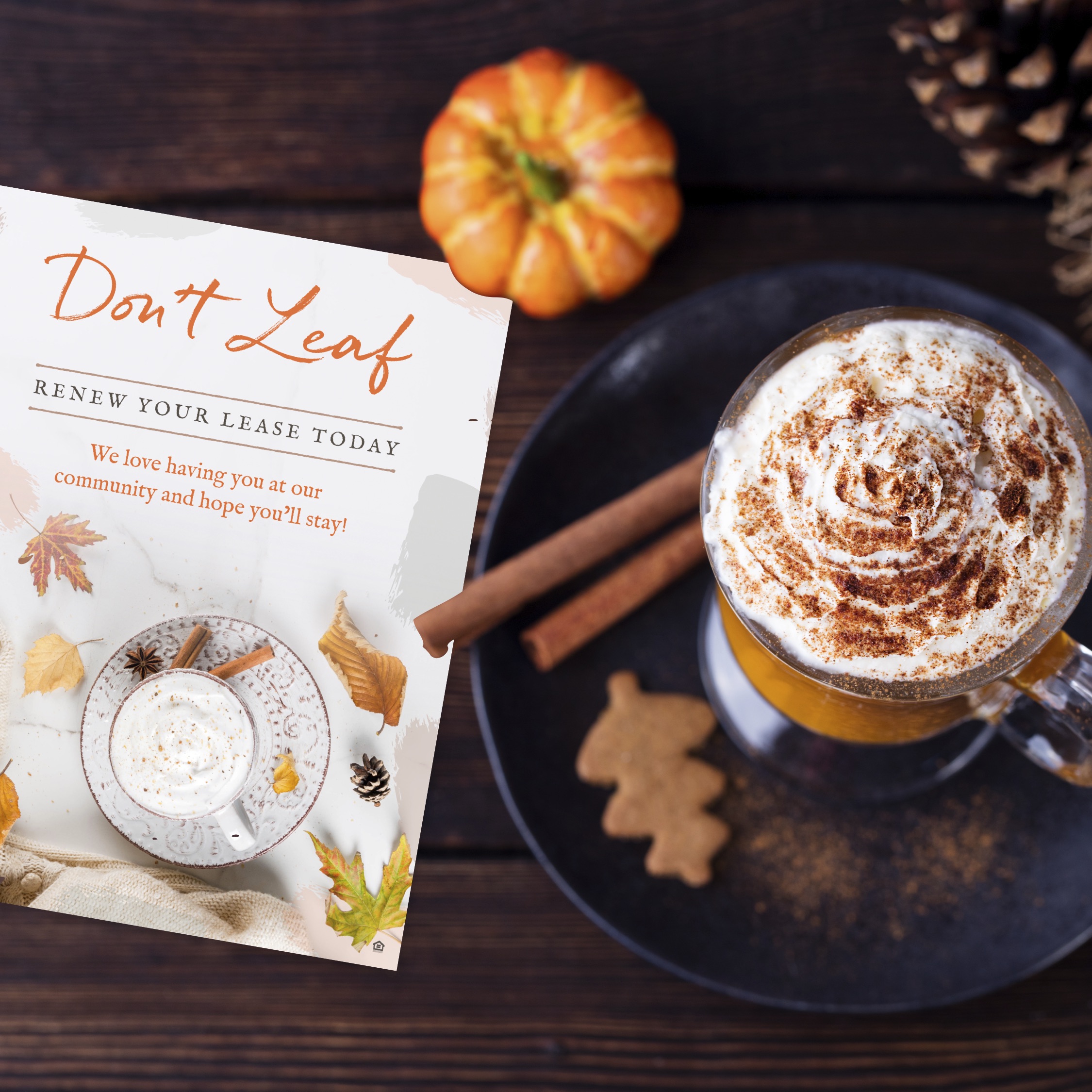
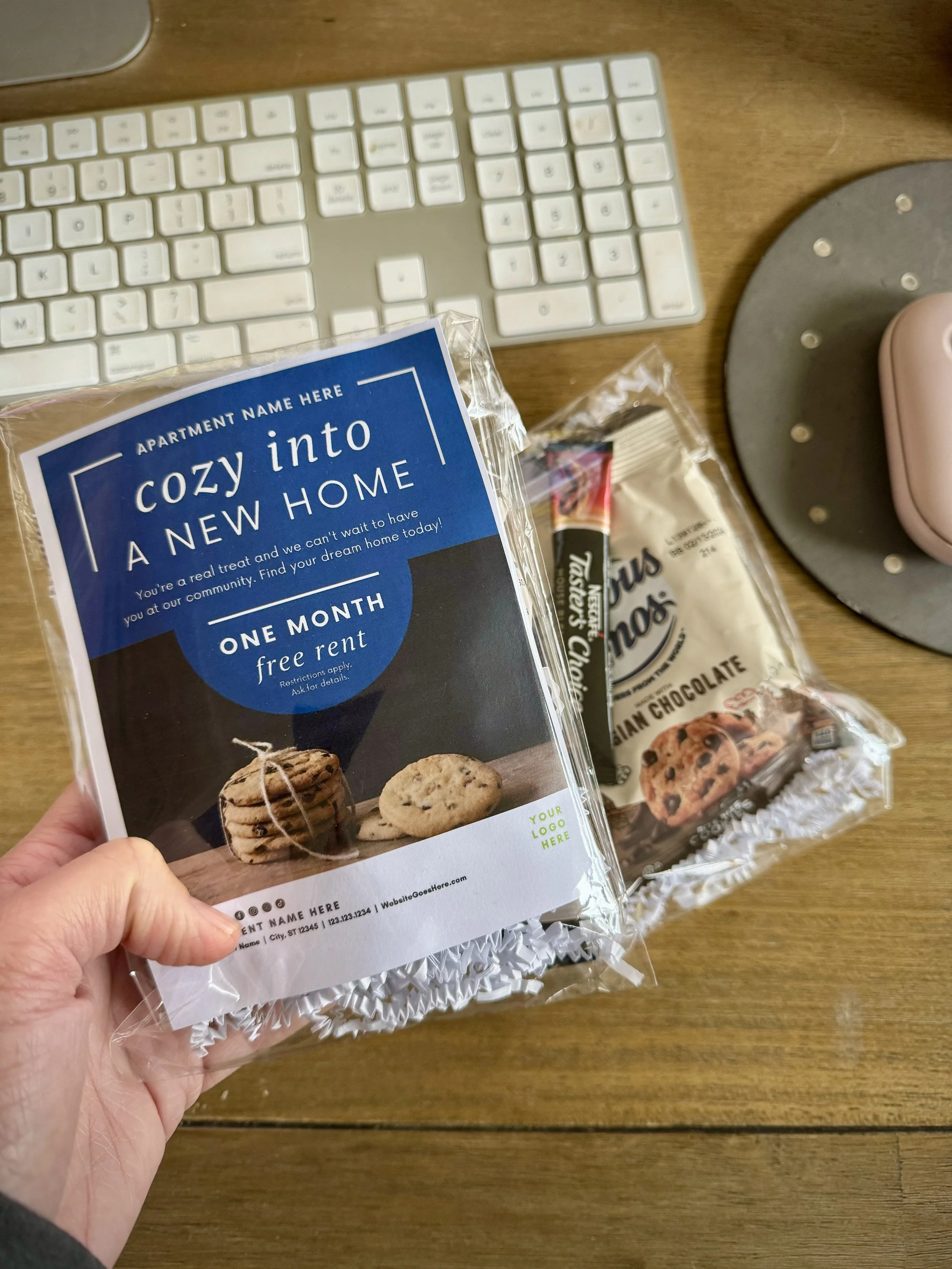
We thought your residents could use some fall vibes in their lives right about now. Send your residents this fantastically fall renewal with a little treat on the side. This works well for a new resident welcome gift as well!

Put some GAME DAY spirit into your renewal season and get ready to score big with residents.
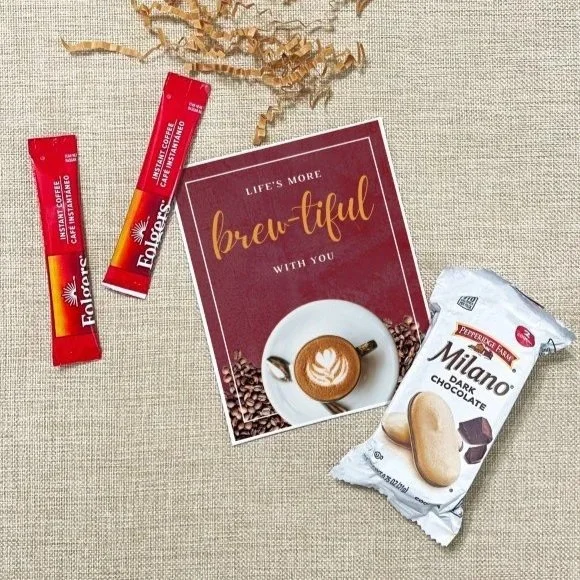
Fall beverage gifts like coffee, tea, and cider capture the cozy spirit of the season while making residents feel appreciated and at home. These warm, thoughtful touches foster connection, loyalty, and satisfaction within your community.
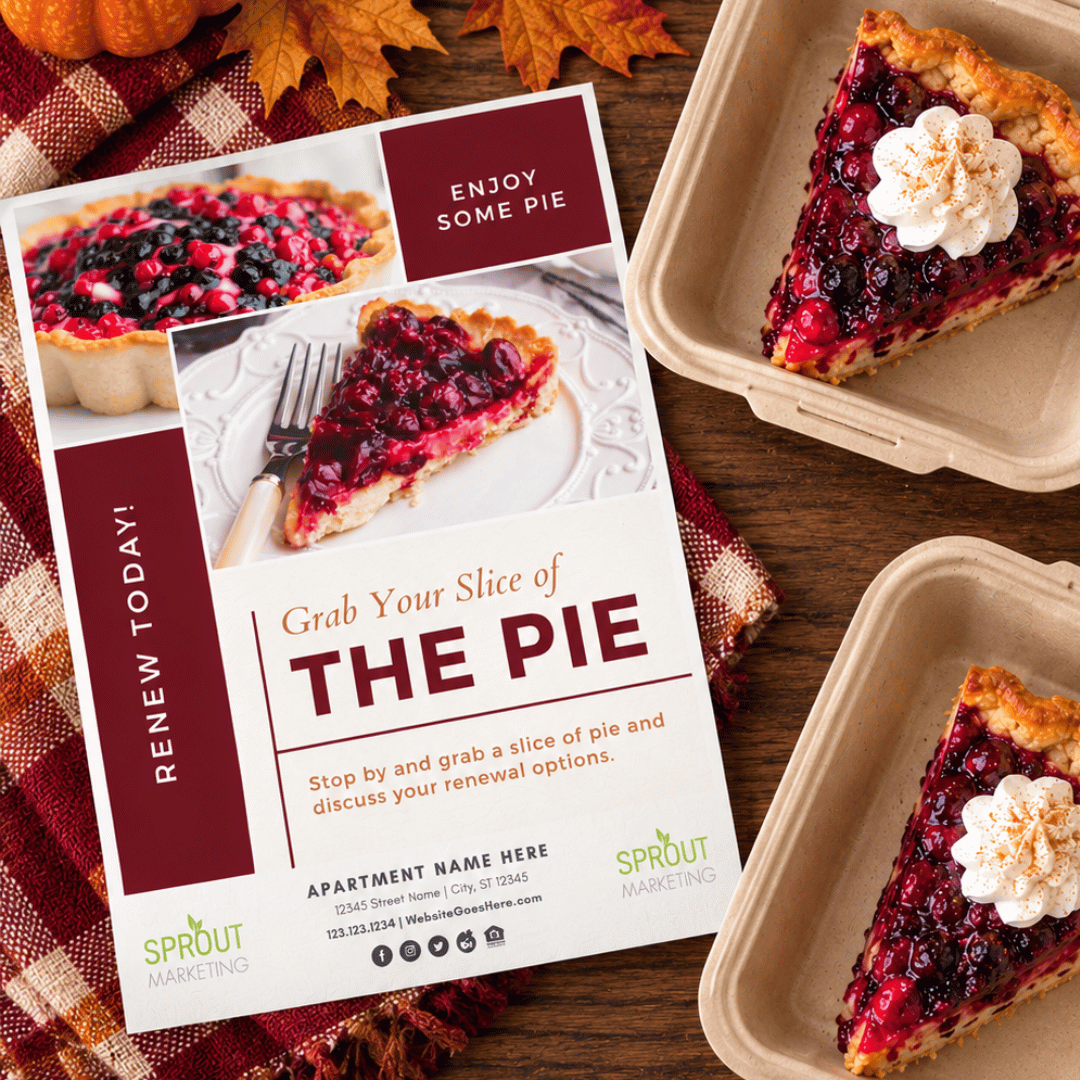
It’s officially pie season—one of the sweetest times of the year to show a little appreciation! From welcoming new residents to celebrating renewals, a seasonal pie is a delicious way to make someone feel right at home.
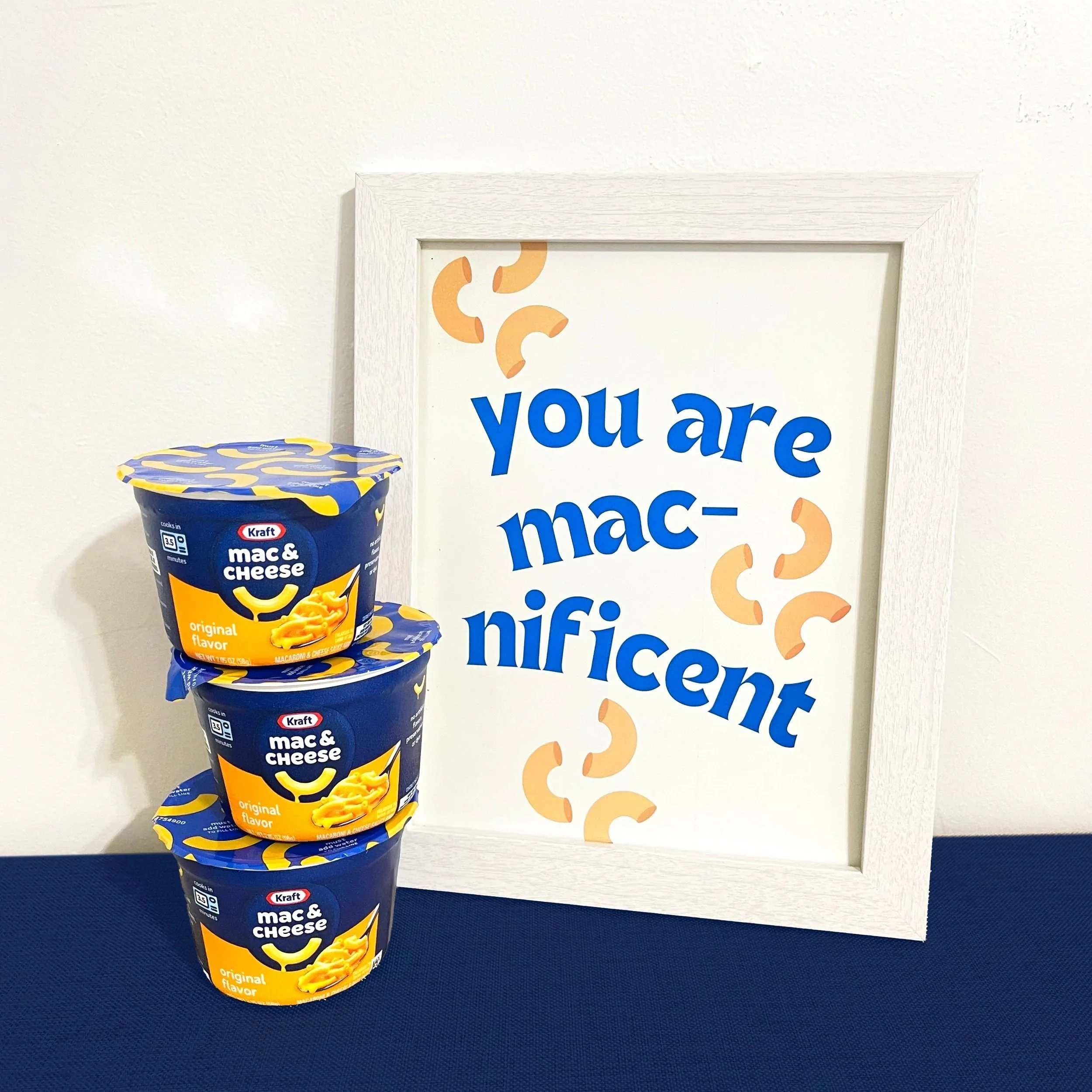
Whether it’s grab-and-go mac & cheese or a full “Oodles & Noodles” pasta night, your residents will appreciate the thought and the flavor. After all—community is built one shared bite (or noodle) at a time!

These photos are ready to download and use anywhere—social media, resident portals, newsletters, websites, or event designs—to help you keep your community communications fresh, engaging, and on-brand all year long.
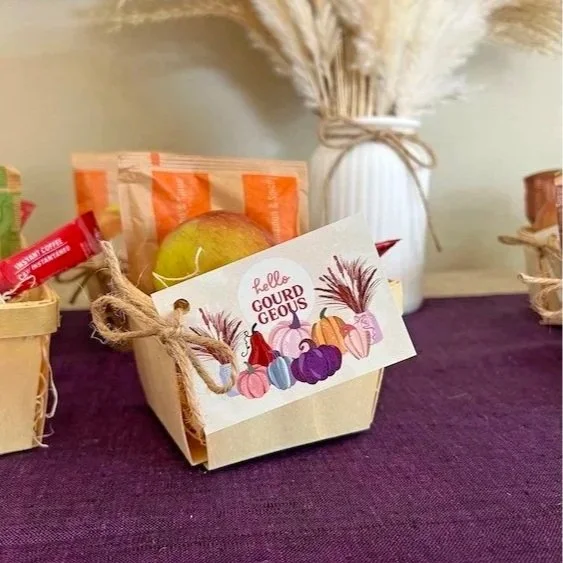
Fall in Love Again renewal flyer is the centerpiece for a cozy, seasonal push to secure leases before winter. Pair it with one of two approaches based on your staffing and renewal volume.
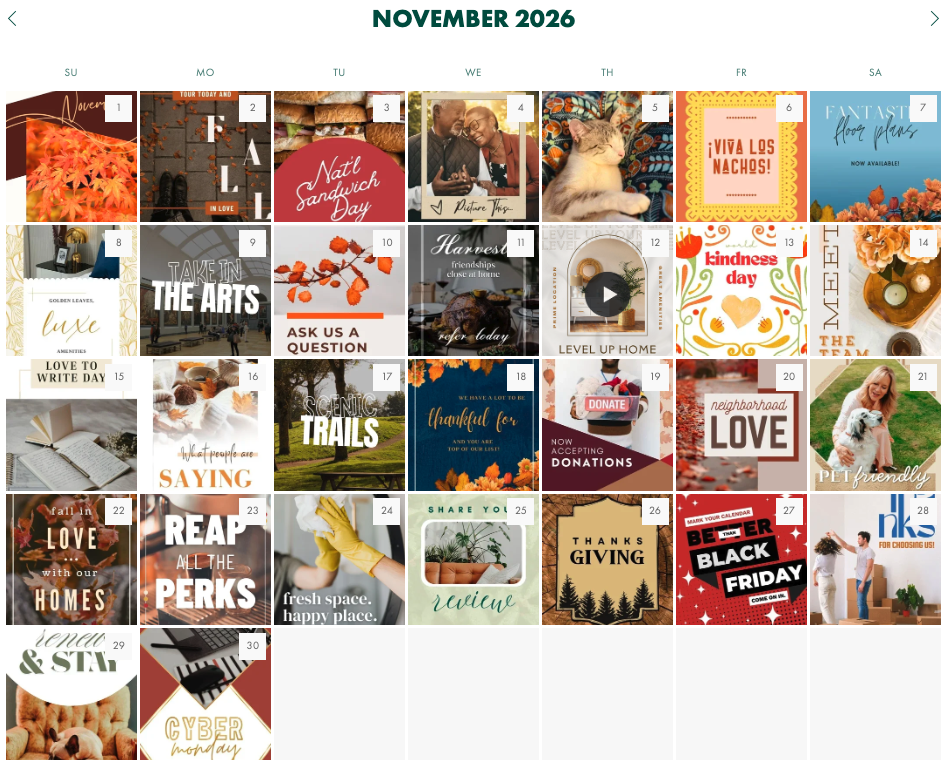
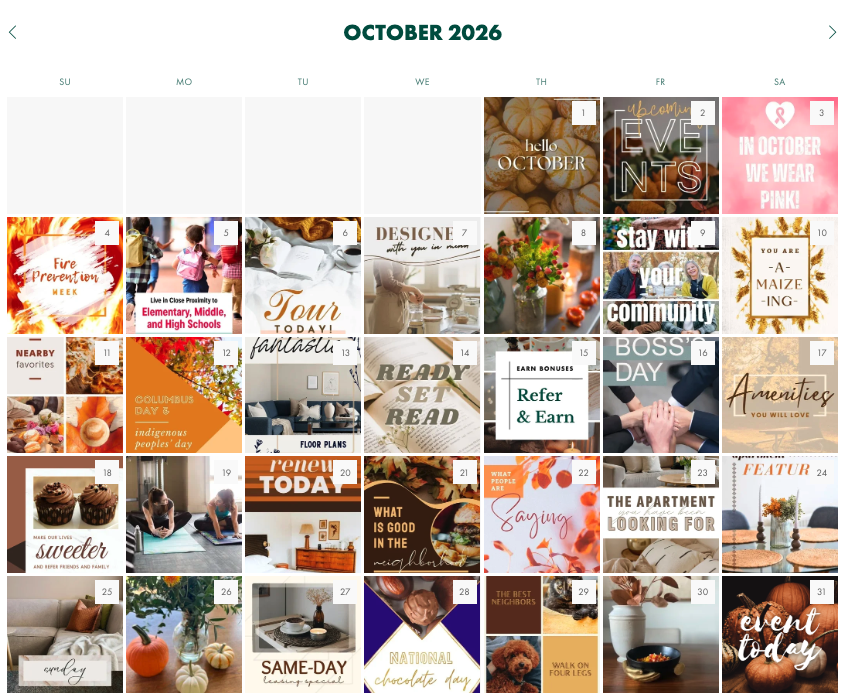
📱 Social Media
Head over to your Social Planning Page.
Inside, you’ll find your full digital calendar with:
daily post prompts
captions
graphics
From there, you can:
plug posts in day-by-day
batch schedule for the week
or map out the full month
👉 Copy, paste, customize, and schedule directly on your platforms
Keep It Moving
Come back to your plan each week.
Not to start over—just to keep things moving.