Newsletter Template & Back to School Notice
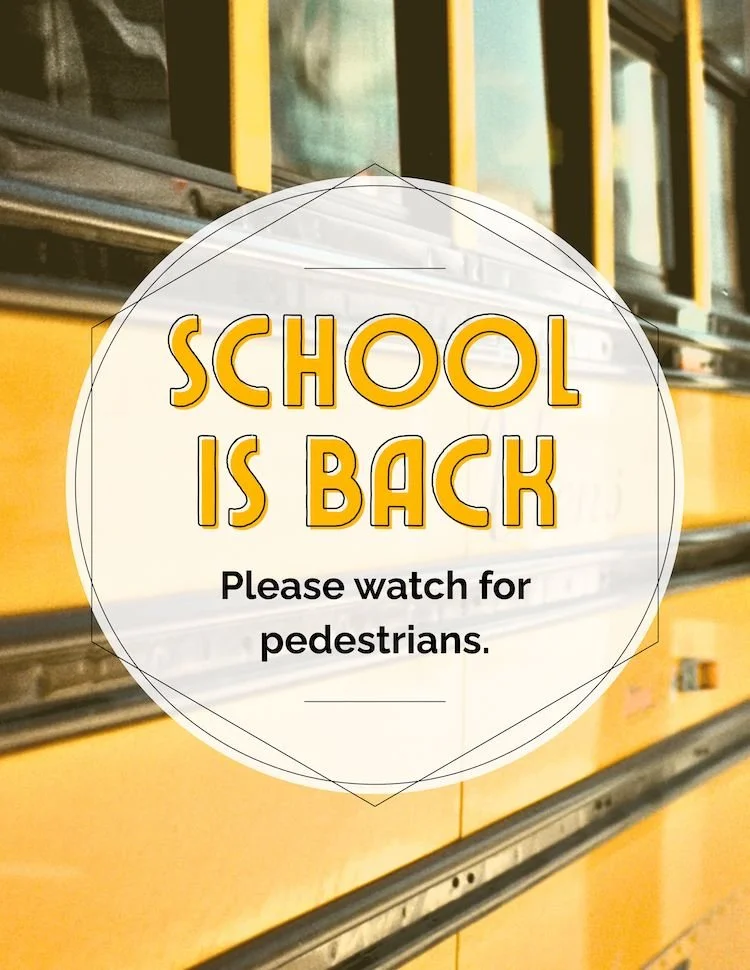
Heads Up: School is Back, Let’s Drive Safe

Use this notice in early August to give residents a gentle heads-up as the school year begins. It’s a great way to promote community awareness and encourage safe driving habits around your property—especially near entrances, crosswalks, and bus stops.
✅ How to Use It:
Post near community entrances, mail centers, and clubhouse doors
Include in resident newsletters, email updates, or app announcements
Pair with any August signage updates like pool hours, office closures, or traffic flow reminders
Optional: add bright cones or small yard signs near main drive lanes to reinforce the message
This flyer is short, impactful, and helps set a respectful tone across your community as routines shift and traffic patterns change. It’s a small touch that shows you care—and residents notice that.
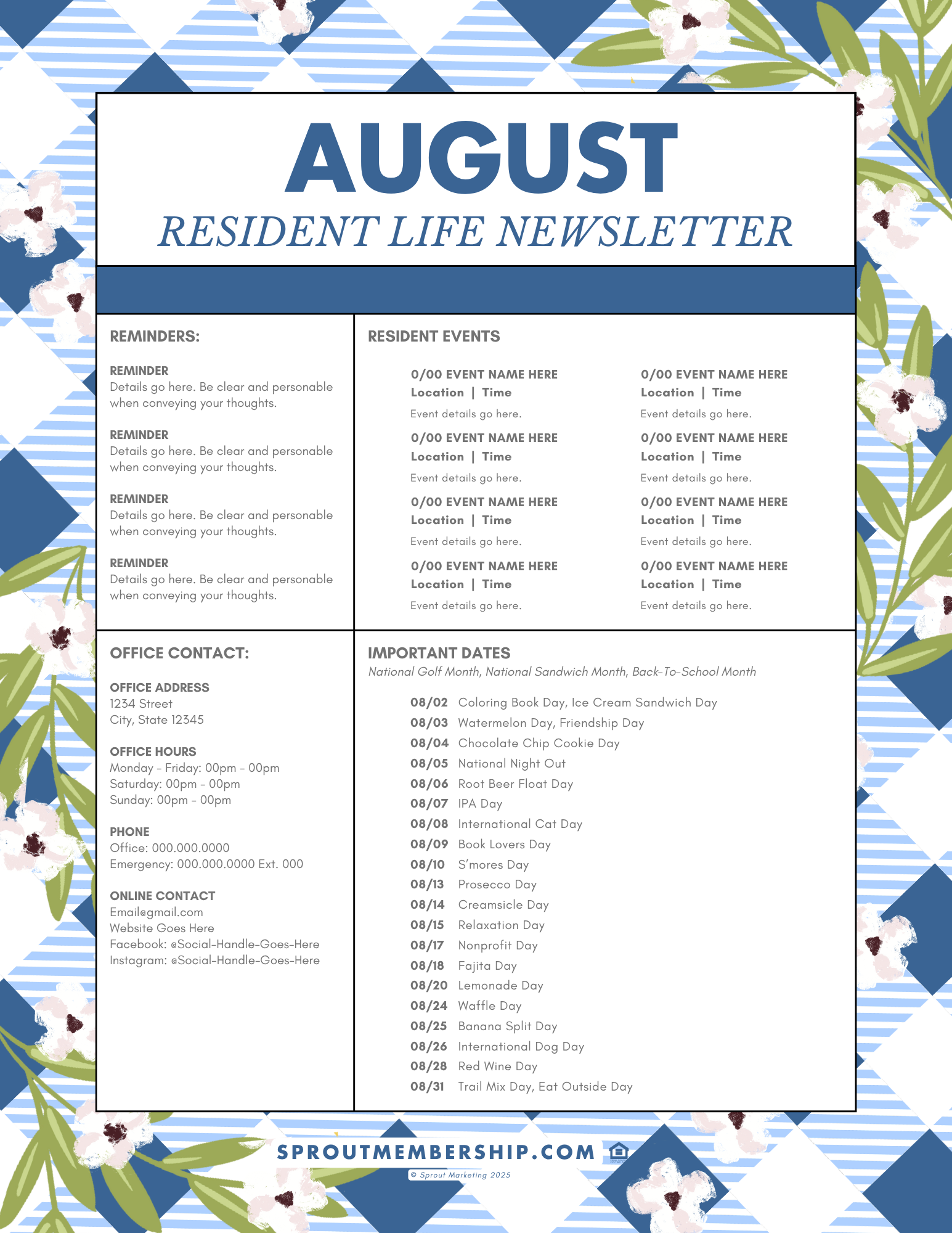

How to Make Your Newsletter Engaging & Easy
A well-crafted resident newsletter keeps your community informed, engaged, and excited about living at your property. With your Sprout Canva templates, creating yours is as simple as drag, drop, and customize. Here’s how to make it stand out while keeping it effortless.
Step 1: Customize the Template with Key Community Info
Start by plugging in your important updates, such as:
Rent reminders or office closures
Upcoming community events (end-of-summer bash, resident appreciation days)
Maintenance tips (AC filter changes, pool closings, patio cleanup after summer)
Step 2: Add Fun & Engaging Extras
Don’t make it all about policies—add something fun to make residents want to read it! Consider including:
A Resident or Pet Spotlight – Feature a friendly neighbor or a beloved community pet
Local Highlights – List nearby farmers' markets, food festivals, or best outdoor dining spots
Poll or Trivia Question – Engage residents with a simple poll (e.g., “What’s your favorite summer activity?”) or a fun fact
Recipe or DIY Tip – Share an easy summer recipe or apartment-friendly decorating tip
Exclusive Perks – Promote any resident-only deals with local businesses
Step 3: Make It Interactive & Easy to Access
Include a QR Code – Link to your social media, resident portal, or event RSVP
Keep It Visual – Use photos, bright headers, and icons to break up text
Add a Call-to-Action – Encourage engagement with a simple CTA like “Tag us on Instagram if you attend this month’s event!”
Final Check Before Sending
✅ Proofread for clarity and accuracy
✅ Ensure important dates and deadlines are bold and easy to find
✅ Send via email, post on your portal, and print copies for high-traffic areas