Fallify Your Social: Customize Instagram Highlight Covers
Fall Social Media Tip
Switch your feed to match the season by using warm tones, cozy textures, and fall-themed prompts. Even if your property photos aren’t filled with orange leaves, you can still create the vibe with:
Close-up shots of cozy corners in the clubhouse or model unit (blankets, coffee mugs, candles).
Lifestyle posts like “What’s your go-to fall drink?” or “Show us your best fall porch décor!”.
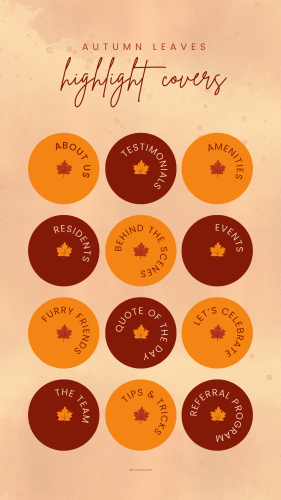
Seasonal Instagram highlight covers (pumpkin, leaf, mug icons). Download the set below!
Reels showing “Fall at [Community Name] in 7 Seconds” with quick clips of décor, coffee bar add-ins, and any seasonal events.
Why it works: When your content feels in sync with the season, it’s more relatable and shareable—plus it makes your community feel current and lively to both residents and prospects.

How to change Instagram Highlight Covers:
Save the above cover icons to your device.
Go to your Instagram profile and open the specific Highlight for which you wish to update the cover image. Remember, your Highlights are the stories that you would like to be featured on your profile. Think: Community Life/Events, Amenities Tour, Floor Plans/Apartments, Neighborhood/Location, Resident Reviews, Renewal/Leasing Info, FAQ, and Maintenance Tips or Team Spotlights.
In the bottom right corner, tap on the 'More' button.
Tap on the 'Edit Highlights' button and then choose 'Edit Cover'.
Now, you can choose our image from your camera roll and then tap on ‘Done’.
Additional Cover Sets
Click to Download Each Set